At a glance
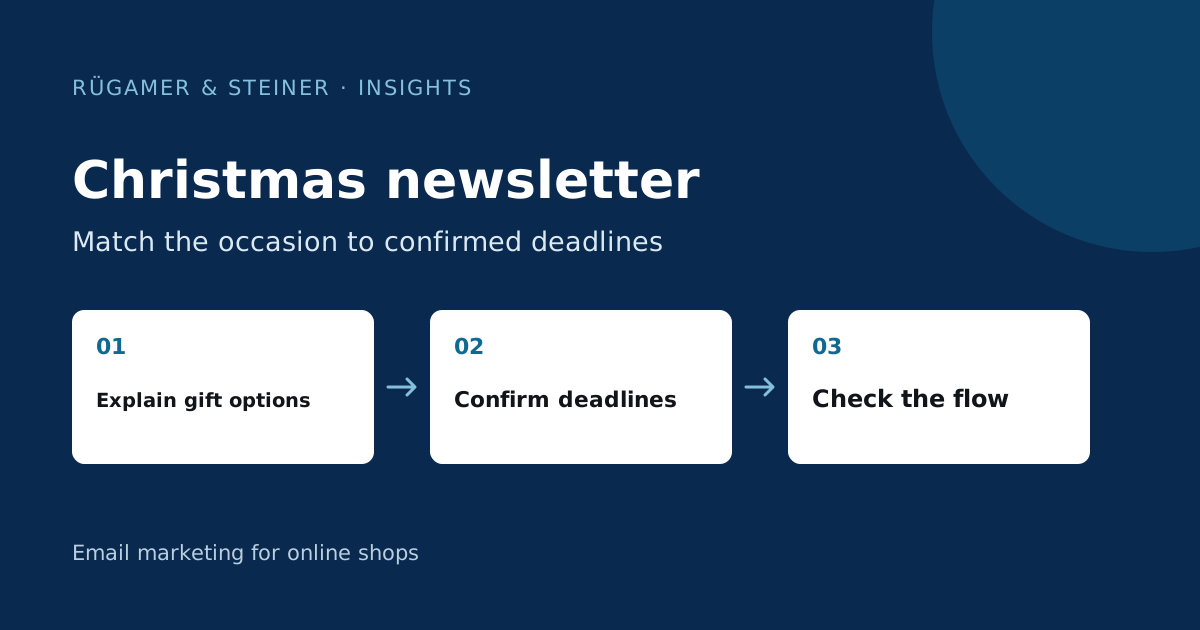
Plan Christmas newsletters based on customer events and the confirmed processes in the shop. Separate gift advice, actual order deadlines and a thoughtful greeting. Highlight restrictions, exclude unsuitable recipients and check landing pages and time zones. Calendar dates do not constitute a delivery guarantee, and more messages do not automatically mean greater impact.
Record three different tasks in the seasonal plan
Start with gift advice for people who are still choosing. A second message can explain a genuinely relevant deadline. Once the relevant ordering phase has ended, a greeting can help maintain the relationship without promising a delivery date you cannot meet. For each message, note down the target audience, customer benefit, landing page and the person responsible for approval. A short message sequence is enough if it answers the key questions.
Example of a custom plan: A coffee shop initially displays gift sets categorised by preparation method. Later, it reminds suitable prospective customers of its verified order deadline. Customers who have already made a purchase receive, instead, a suggestion on how to use the set they have bought. A collective message expresses thanks at the end of the season. This sequence is a concept, not a proven customer outcome, nor a blanket dispatch calendar for every shop.
Select your own subject line and greeting examples
A product selection might be titled ‘Gifts for people who love good coffee’. The preheader adds ‘Three sets organised by brewing method and budget’. For a confirmed deadline, “Your gift order: this deadline applies to standard delivery” is appropriate, provided the terms and conditions are clearly visible. Only use this phrase with the actual date and the applicable restrictions. “Guaranteed to arrive tomorrow” requires a correspondingly robust process.
An understated greeting might be, for example: “Thank you for being with us this year. We wish you peaceful holidays and many lovely moments over a cup of coffee.” Another suitable version is: “Whether you’re celebrating, working or enjoying a few days off: we wish you a lovely end to the year.” Choose language that suits the brand and the audience. A thank-you message does not need to conceal a discount promotion, and a brief greeting does not require artificial urgency.
Building a gift guide based on decision-making criteria
Sort products according to clear criteria: Who is the gift for, how will it be used, and what is a reasonable budget? Three well-explained options can be more helpful than twenty unlabelled tiles. Highlight key differences, what’s included, and the full price. For variants such as size, fragrance or flavour, the button should lead to the correct selection rather than blindly adding the item to the basket.
Check availability immediately before approval. If an option is out of stock, the landing page needs a clear alternative. Gift wrapping, vouchers and exchange information should be placed where they help the user make a decision. You can find real-life examples of different reading sequences in our Newsletter gallery. You can open individual examples in the reading view.
Have delivery times confirmed by the business
Please check with logistics and customer service to confirm which terms actually apply: order receipt, payment method, country of dispatch, stock availability, personalisation and delivery service may all affect the delivery timeframe. State the date and time zone clearly. Furthermore, an order deadline is not automatically a guaranteed delivery date. Ensure the wording aligns with the shipping terms that actually apply.
Open the campaign landing page from the email and check that both make the same claim. After expiry, a page that remains accessible must no longer display the old offer. Assign responsibility for last-minute changes and cancelling scheduled messages. Check the current process before reusing deadlines from previous years. Digital vouchers also need a working issue and delivery process.
Check the appropriate recipients and the timing together
Exclude buyers who have already completed a purchase from reminders, where the context requires it. Distinguish between gift-giving and personal use only on the basis of existing, reliable information. Where information is missing, use a general formulation. Check the welcome, checkout and post-purchase flows in parallel to ensure that a person does not receive multiple conflicting offers. Klaviyo describes Smart Sending as a time-based contact interval; this function does not replace content-based exclusions.
When planning a Klaviyo campaign check the audience in the specific draft. The Time and snapshot settings influence when recipients are determined and which time zone is used for sending. A local send time does not automatically align with a German order deadline that expires at the same moment. Check this before approval.
Approve the entire Christmas series before sending
- The subject line and preheader should indicate the actual content.
- Gift links lead to the relevant mobile selection.
- Price, stock status and delivery terms are up to date.
- The deadline, country and exceptions must match in both the email and the shop.
- Previous purchases and missing data are handled appropriately.
- Planned campaigns and parallel flows do not contradict one another.
- Customer service and logistics know which claims the campaign makes.
Subsequently, evaluate relevant product visits, purchases, enquiries and unsubscribes. High seasonal revenue is also driven by demand and other channels; Klaviyo attribution alone does not isolate the contribution of the Christmas email. After the season, note down which questions remained unclear. It is precisely this insight that improves the next plan more effectively than an additional email sent without a new reason.
Sources and further documentation
Product documentation and primary sources relating to the steps described. Editorial source date: 5 October 2026.