At a glance
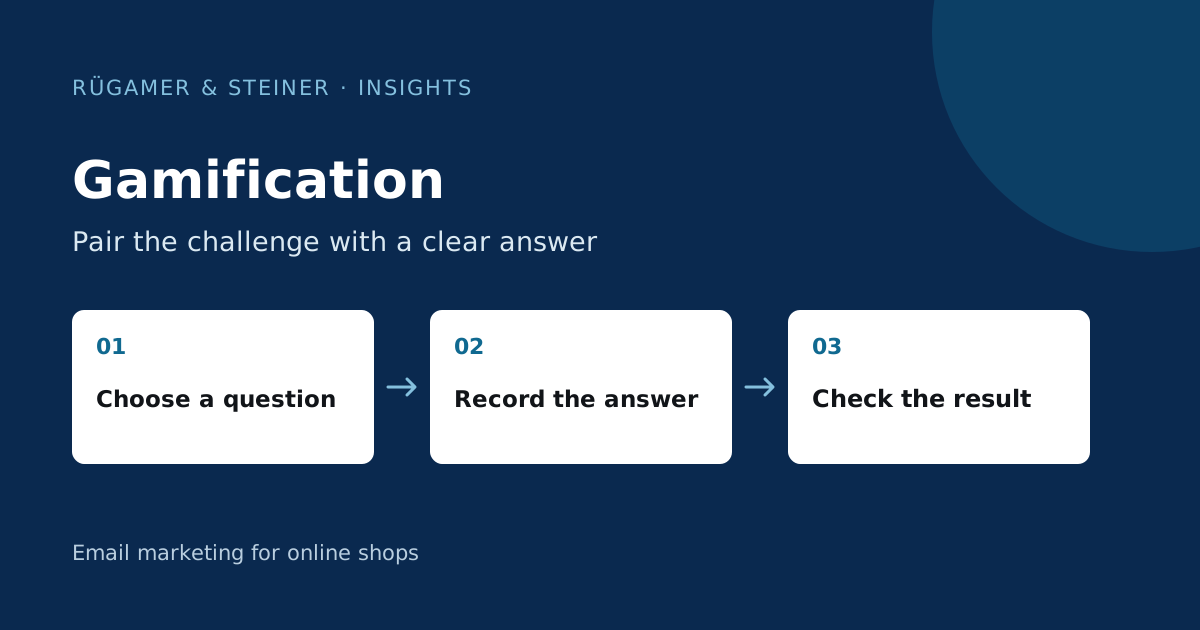
Gamification enhances a task with playful elements such as choice, progress or a resolution. For newsletters, a clear opening with a link to a mobile quiz or promotional page is often suitable. Answers and dispatch authorisation are separate pieces of information. Evaluate complete answers and appropriate follow-up actions, not just curious clicks.
Which decision is the game designed to help with?
First, select a specific customer query: Which product suits the purpose, which recipe suits the taste, or which gift idea suits the budget? A game with no connection to the purchasing decision may provide entertainment, but no helpful information. Describe in one sentence what a person will know better after completing the task. The mechanics should offer a clear benefit even without a discount.
Example of a concept: A coffee shop asks about preparation method, preferred flavour and desired strength. The result is two suitable beans with a brief explanation. The email begins with ‘Which bean suits your preparation method?’ and a ‘Start selection’ button. A prize wheel offering a random discount would serve a different purpose. Decide carefully which response you actually need.
Quiz, poll or calendar: which mechanism is best suited?
A quiz assigns multiple answers to a single result. A poll asks for a single preference. An advent calendar distributes content over a specified period. For the first test, a mechanism with just a few straightforward steps will suffice. Define the input, resolution and next step in writing before designing any visuals. A points system also requires robust management of the points tally.
A newsletter graphic alone does not drive a functioning campaign. Plan the actual interaction on a tested landing page and explain in the email what happens after the click. Anyone who cannot load images should still be able to understand the context and the link. Use legible text, labelled buttons and an alternative to purely visual selection. The actual display must be checked in the intended email programmes.
Save replies in Klaviyo as separate profile information
Klaviyo documents own profile fields for preferences and questionnaire responses. For example, set the field Kaffee_Zubereitung with stable values such as filter and espresso. The visible answer labels can be more detailed. Clicking a normal email link does not automatically save a quiz answer in this field; the landing page needs a working form or integration.
The Klaviyo form fields are linked to a profile property. Check with a test user to ensure that the exact expected value is received. Repeated responses to the same field will always overwrite the previous value; a complete response history requires a separate solution. Explain what you will use the information for. A preference does not replace a documented marketing opt-in.
Build a complete solution based on a standard case
Write a comprehensible result rule for every permitted combination. In the coffee example, ‘Filter + mild’ receives a different suggestion to ‘Espresso + strong’. Check product availability and a complete default scenario if the user skips the final step. The recommendation must not contain any unsubstantiated health or efficacy claims. Link to the appropriate selection and explain the key product feature.
If you use a voucher, its validity, restrictions and redemption terms must be shown when the result is revealed. A limited stock must not be presented as an endless prize. For prize draws, the terms and conditions and data protection provisions must be checked for the specific case. For an initial trial, a product selection guide without a random prize is often easier to organise. The Coupon Guide describes technical test cases for code.
How do you check whether the mechanism generates more than just curiosity?
Compare a suitable version with the same product guide without a quiz. Decide beforehand whether completed answers, qualified product visits or purchases determine the result. Click-through rate alone may favour the more exciting button. Klaviyo explains in its guidance on statistical significance why a small observed difference does not establish a reliable winner.
Also note at which step participants drop out and whether they understand the recommendation. A long quiz can collect more data whilst simultaneously losing suitable buyers. Therefore, assess the effort involved and the results together. Coordinate discount costs and service-related queries with the team. A claimed increase in turnover without a control group and a clear measurement period does not answer this question.
These test cases must be completed before launch
- Every combination of answers leads to a complete, appropriate result.
- Going back and resubmitting does not generate conflicting data.
- A normal link click is not counted as a confirmed quiz answer.
- Missing details and sold-out products should have a sensible alternative.
- The landing page can be used on a smartphone without the need for unnecessary input.
- Consent, voucher terms and conditions, and profile values are traceable separately.
Start with a customer query and a few responses. If you cannot explain or reliably verify the subsequent steps, simplify the process before sending. More steps do not automatically mean greater benefit.
Sources and further documentation
Product documentation and primary sources relating to the steps described. Editorial source date: 5 October 2026.