At a glance
Static code and custom codes require different processes. Check the options for your shop integration, terms and conditions, code library and reference in the message. The preview may display a placeholder. Only a received message followed by redemption constitutes the complete test case.
Distinguish between static and individual codes
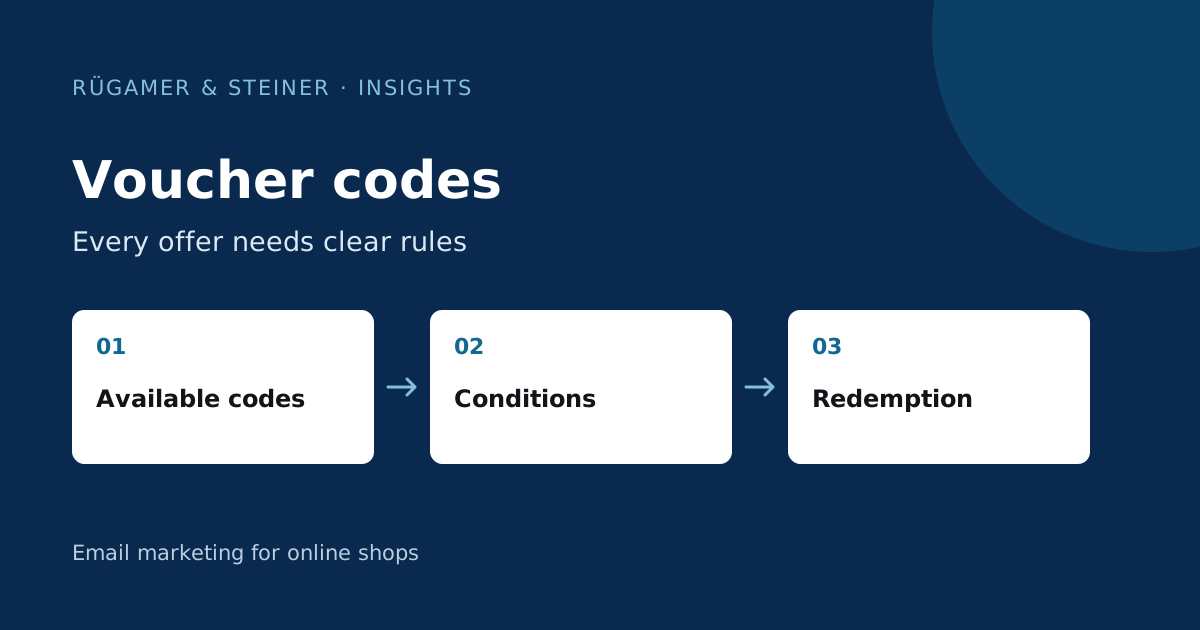
A static code is the same for multiple recipients. Individual codes are assigned to specific recipients; the shop determines the actual rules for their use. The Klaviyo guide to voucher codes describes creation, upload and integration. Check which variant is suitable for your offering and which functions the specific integration supports.
A publicly advertised sale may not require individual codes. A personalised sign-up benefit, on the other hand, may require controlled allocation. An individual code does not automatically prevent sharing and does not guarantee an additional purchase. The decisive factors are the conditions defined in the shop, the visible content and the actual behaviour upon redemption.
First, describe the offer in full
Define the discount type, minimum basket value, duration, excluded products and whether discounts can be combined. Also check the basis on which the validity period begins and whether the code is also intended for existing customers. This information must be consistent across the form, email and checkout. A brief statement such as ‘10 per cent off everything’ must not lead to a restricted offer.
An example model: A shop offers new subscribers a benefit on selected accessories. The sign-up process explains the product group and the minimum basket value. The first email displays the code and relevant accessory links. A customer whose basket contains only excluded products receives clear feedback at checkout. All details in this example are taken from a hypothetical offer; in the actual shop, the rules actually in place apply.
Generate codes via a supported integration
For Shopify, Klaviyo explains how to set up custom codes in the Guide to coupon generation. Use your account’s current settings and check the generated discount rules in the shop. Other ecommerce platforms may require a different process. Therefore, do not apply Shopify steps to Shopware or a custom integration without first checking them.
After set-up, check the actual offer using several shopping baskets. Test valid products, excluded items and the minimum value threshold. Also check the validity period and attempt to redeem the offer again. A correctly generated code sequence does not in itself prove that the discounted items or the combination options have been selected correctly from a technical perspective.
Imported codes require a reliable supply
If codes are generated in the shop or another system, they must be valid there before being used in Klaviyo. Check the CSV for unique values, empty rows and accidental duplicates. Record the voucher name, quantity and conditions in the internal log. Complete code inventories belong in the designated management system and not in public work reports.
Plan your inventory for ongoing flows and larger campaigns. A one-off upload is not sufficient if new recipients are added daily. Define responsibility and replenishment thresholds, and check the available alerts in the account. When there is a change to the inventory, also note which messages refer to the set. This prevents a new set from being created whilst an old flow continues to use the empty set.
Check coupon references and repetitions
Check the coupon reference in each relevant message. A visible preview may show a placeholder and does not constitute proof of the actual code at the time of sending. Therefore, create a designated test contact and receive the email via the actual process. Compare the code displayed with the shop and open the relevant product or checkout link.
For reminder emails, it must be clear whether the same code is reused or a new one is issued. Check the specific functionality of the coupon system used. Two different valid codes in the same series can cause confusion. The text generated at runtime must not create a false impression by using a generic template. If the first code has already been used, the reminder must include an appropriate exclusion clause.
Check for genuine fulfilment in several situations
- Register a valid test contact and read the code that is actually sent.
- Create a suitable shopping basket above the minimum value.
- Test the shopping basket with excluded products and below the minimum value.
- Check for combinations with other offers.
- Check for re-redemption and expired codes.
- When sending a reminder, check whether a subsequent purchase or redemption has been taken into account.
Document expectations and observed results for each case. A successful standard shopping basket is not sufficient if conditions apply differently. Check the mobile view and the full text of error messages; the recipient must be able to understand why a redemption is not possible.
Assess discounts against revenue and costs
Consider the order rate, actual discount, shopping basket and contribution margin together. Higher attributed revenue may result from greater reach or a larger price reduction. It does not demonstrate any additional economic impact. If sufficient volume is available, a planned comparison with a suitable variant without an incentive will be helpful.
Also examine later behaviour: do customers buy again without the same incentive, or only during discount campaigns? You need enough time and comparable groups to answer this. State the limits of the analysis. A voucher is a promotional tool whose impact depends on the content, audience, terms and actual redemption.
Example of a newsletter from our work

Sources and further documentation
Product documentation and primary sources relating to the steps described. Editorial source date: 5 October 2026.