At a glance
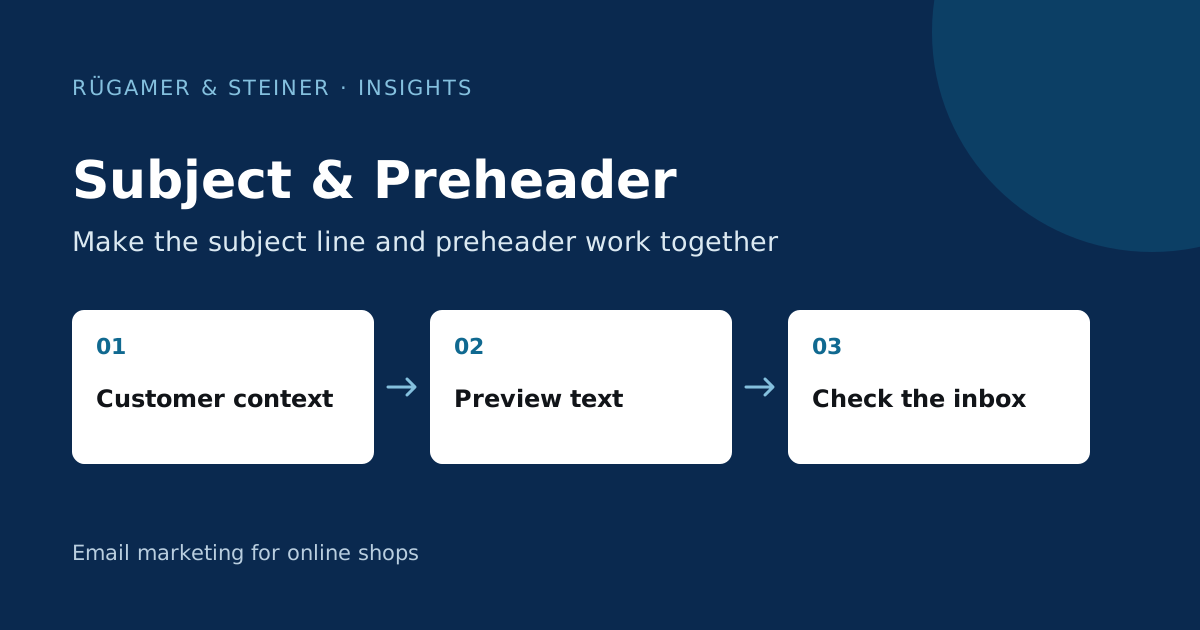
The subject line and preheader complement each other. State the purpose early on, check how the email actually appears in the inbox, and evaluate variants based on a pre-defined metric. A high open rate alone does not prove better sales.
What is the difference between the subject line and the preheader?
The subject line states the purpose of the email. The preheader is the supplementary preview text that an email client often displays alongside or below the subject line. Unless otherwise configured, the client may use text from the beginning of the message. This could be a technical header. Klaviyo explains the setting in the Guide to preview text.
Write both lines down together first, before building the layout. Use them to answer two questions: Why is this message being sent now, and how does it help me as a reader? A product name alone rarely answers the second question. The sender line provides additional context; it should remain unchanged during testing.
Three examples of our own for different occasions
The following lines are editorial examples, not tested successful variants:
- Selection guide: Subject line: ‘Which bed linen is best for summer?’; preheader: ‘A practical comparison of linen, cotton and satin’.
- Product presentation: Subject line: ‘An adapter for your existing light fitting’; preheader: ‘Check dimensions and connection before purchasing’.
- Repeat purchase: Subject line: ‘Time for your next filter change?’; preheader: ‘Find the right size and instructions here’.
In none of the examples does the preheader repeat the subject line in full. It supplements it with a note relevant to the decision-making process. You should only mention a discount if the offer actually exists and the linked page displays the same terms and conditions. Artificial urgency without a suitable reason undermines expectations regarding future messages.
How long can the two lines be?
There is no character count that will display fully on every device. The client, display, font size and sender display all affect the available space. Therefore, place the most important word at the front and test both a longer and a shorter version. A short sentence whose meaning only becomes clear in the last word may be less effective than a slightly longer line that is understood early on.
Send a preview to the email clients actually in use and check the recipient list. The open message alone is not sufficient for this. Also note whether any text from the email appears after the desired preheader. This helps to distinguish technical preview issues from poor wording.
Personalisation needs a readable default version
A first name may be added to the salutation. It should not be a prerequisite for understanding the subject line. Check for missing values, unusually long names and imported placeholders. An empty name or a visible template expression is more conspicuous than a neatly formulated general variant.
Furthermore, do not include any private or sensitive details in the subject line: it is also visible on a locked screen. Interest in a product can often be conveyed through the content without publicly hinting at it in the inbox. For multiple languages, rewrite the combination for each language; mere translation may alter the length and the meaningful context.
Plan a test with a question that can be answered
A reasonable hypothesis, for example, is: ‘A specific choice-based question leads to more unique clicks on the guide amongst the same recipient group than a general product notice.’ To test this, change the subject line whilst keeping the preheader, email body, timing and choice options consistent. If you change both the layout and the discount at the same time, it is almost impossible to attribute the difference to a single line of text.
Define the metrics and their time period before sending. Apple Mail Privacy Protection can distort open rates. Therefore, also take into account clicks, orders and unsubscribes, rather than deriving a ‘winner’ from a single open rate. The A/B Testing Guide explains the planning in more detail.
Brief final check before sending
- The subject line, preview and content should all refer to the same matter.
- The most important information remains clear and understandable on a smartphone.
- An offer contains only verifiable terms and conditions.
- Personalisation and missing values have been checked.
- The actual inbox view does not display any unintended header text.
- The hypothesis, key performance indicator and time period for the test have been established.
Save this combination in the editorial plan. Then, the next time a similar occasion arises, you can draw on a specific example without adopting a weak line simply because of its previous open rate.
Sources and further documentation
Product documentation and primary sources relating to the steps described. Editorial source date: 5 October 2026.