At a glance
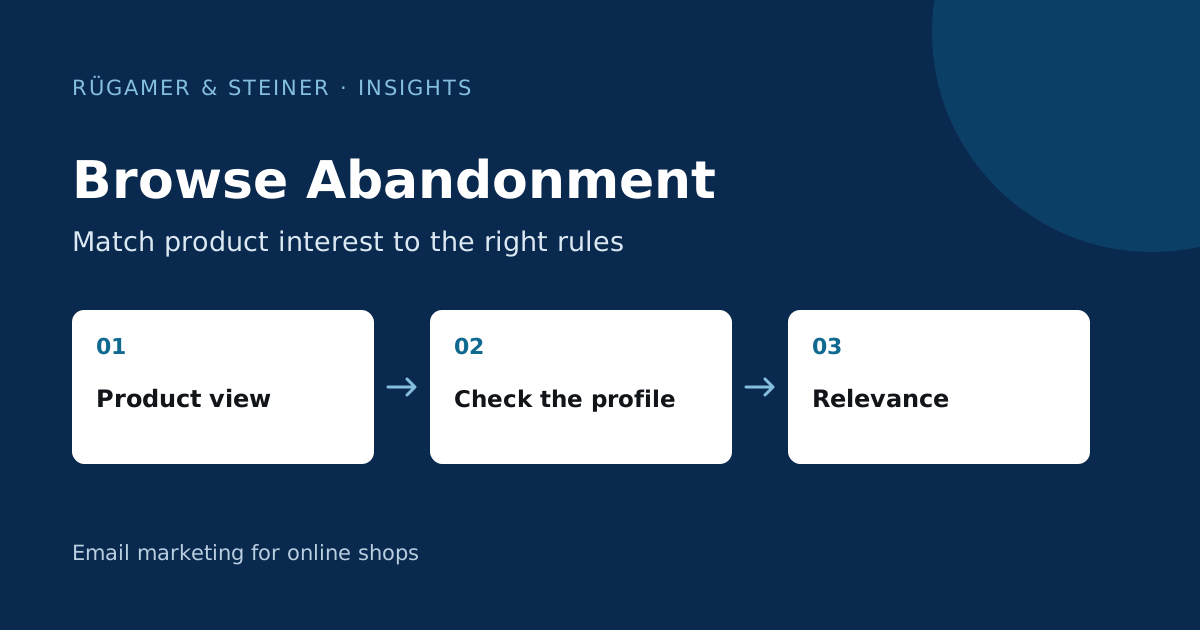
A browse flow responds to ‘Viewed Product’ but does not reach every anonymous session. Keep the content relevant to early-stage interest and exclude buyers as well as checkouts that have already begun. Test event data, product variants, missing fields and the transition to the next stage of the purchase process.
What is a browse abandonment flow?
A browse abandonment flow responds to a product view that is not followed by a suitable next step towards purchase. The Klaviyo Guide explains that the flow needs Viewed Product tracking and an identifiable browser. Not every page view can be linked to a profile you can contact. Check the tracking setup and permitted use of the data before sending.
Start by taking stock: Are product views being recorded in the correct account? Do they contain the necessary information? Is identification working correctly within the intended sign-up and consent process? A significant discrepancy between shop visits and Klaviyo events is not automatically a fault. Both systems measure under different conditions. You should therefore assess the integration using controlled test cases rather than simply by comparing two total figures.
Use product data from the correct event
A ‘Browse’ event describes a product view. A ‘Checkout’ event may contain multiple items and a specific return link. Therefore, do not copy the data block of a checkout flow without checking it first. Check the actual ‘Viewed Product’ event and map the product name, image, price and URL to the corresponding fields. Otherwise, previews using an unsuitable example event may look fine but could later send empty content.
Test a single variant, several products viewed in succession, and a long product name. Make a conscious decision about the reference the email should establish: the triggering product view or another selection from the catalogue. A phrase such as ‘Your most recently viewed product’ may only be used if the data employed actually reflects this context. The template requires a clear substitute for missing images or prices.
Checkout and purchase take precedence
If a person proceeds to checkout or places an order after viewing a product, the original trigger is no longer relevant. The flow rules must take this transition into account. In the case of an additional ‘Added to Cart’ flow, its relationship to the browsing flow must also be clarified. Klaviyo explains the distinction in the Troubleshooting for event-based flows.
A sample scenario: A customer looks at a coffee grinder in the morning, starts the checkout process shortly afterwards and places her order at midday. In the evening, she should receive neither a browse reminder nor a checkout reminder. Check this scenario through to the actual message status. This includes the correct order metric, its arrival time and the filters. An excluded contact is the desired outcome in this process.
Relevant content to spark early interest
The email should make a decision easier without portraying a purchase as already intended. In the coffee grinder example, it can explain the difference between grinder types and link to a selection guide. For clothing, size information and material details are helpful. For technology, compatibility and connection specifications may be more decisive than a discount. Base the explanation on the questions that are actually frequently asked about the product.
Frame the context in a restrained manner. A statement such as ‘Here you can find the differences between our models’ is more helpful when there is a clear interest than applying pressure through a supposedly almost-completed order. Use a clear button leading to the product or to a consultation. The content must remain meaningful even if the person has, after viewing it, consciously decided against the product.
Limit frequency and repetition
An active prospect can view many products within a short space of time. Without a repeat rule, this generates several almost identical messages. Specify when a person may re-enter the flow, and review the expected progression based on multiple product views. The appropriate interval depends on the product range and previous interactions; there is no one-size-fits-all figure.
Map out a shared timeline of welcome, browse, checkout and campaign emails. Look for days with a noticeable clustering of emails. A frequency rule may suppress a message; therefore, also clarify whether the team expects this omission. The browse email should only be sent if the context is still relevant. Additional reminders require new, useful content; otherwise, they merely duplicate the initial contact.
Which scenarios do you need to test?
- An identified test profile views a product and leaves the shop.
- The test profile views the product and then initiates the checkout process.
- The test profile makes a purchase before the scheduled browse email.
- Several product views are generated whilst waiting.
- Product variant, URL or image field differs from the standard schema.
- The product in question is no longer available prior to dispatch.
- An unsubscribed profile triggers a new product view.
Check the email and landing page on a smartphone. Document the expected delivery, exclusions and product displayed for each scenario. A test using an anonymous session reveals different limitations to a delivery test using an identified profile. Keep these two sets of observations separate in the log.
How does the flow add editorial value?
Check whether the flow provides helpful information beyond the product view. Frequent clicks on a size guide can open up a useful content perspective. Conversely, a high unsubscribe rate may indicate an inappropriate tone, overly frequent reminders or a misleading sign-up promise. Assess such signals collectively and in comparison with similar recipient groups.
Attributed orders do not automatically prove additional impact. Some people would have bought anyway. Reliable evidence of improvement needs consistent measurement and, with enough volume, a controlled comparison. For smaller audiences, start with a reliable, clear flow. A helpful flow that works correctly is a stronger foundation than a long series with unexplained exclusions.
Sources and further documentation
Product documentation and primary sources relating to the steps described. Editorial source date: 5 October 2026.