At a glance
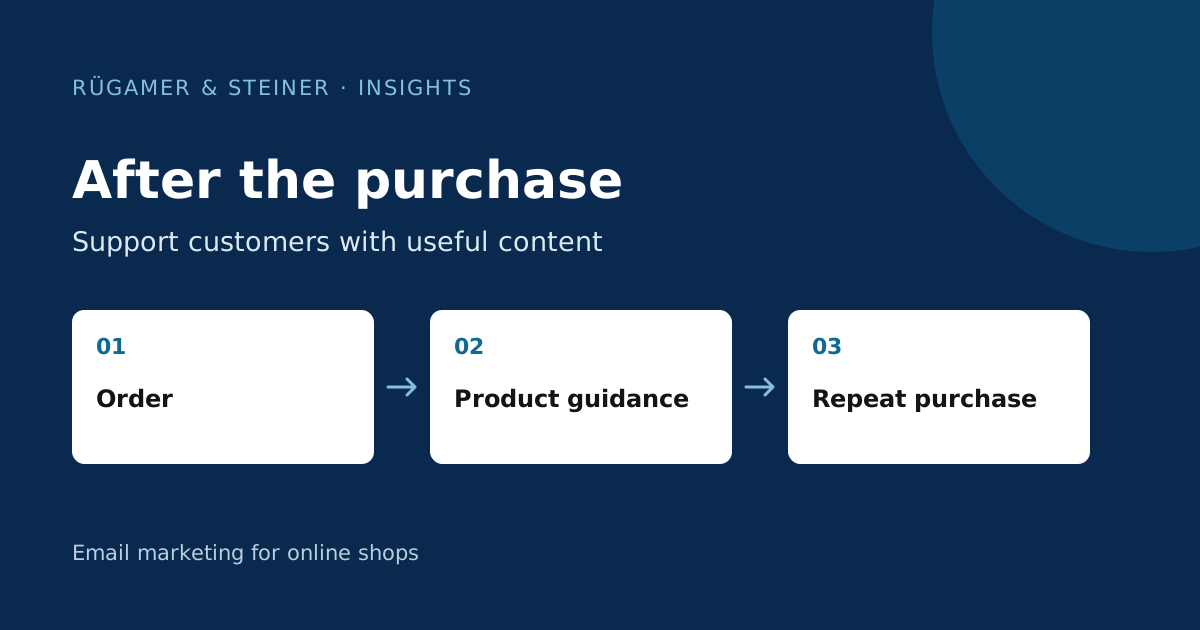
Plan post-purchase communication around order events and, where relevant, dispatch events. Coordinate service information with the store’s existing messages, send usage guidance at the right time, and account for cancellations or refunds. A marketing campaign is not automatically a transactional message.
What should be included in a post-purchase flow?
Post-purchase messages follow an order and may offer usage guidance, a later review invitation or relevant accessories. The Klaviyo Guide to the Post-Purchase Flow describes Placed Order as the starting point for a basic flow. The events available in a specific store determine its possible structure. Ordered, dispatched and delivered are different statuses.
First, compile the most common post-purchase enquiries. A care kit requires usage instructions; a technical component may need fitting instructions; a food product may require storage advice. Use these questions as the basis for your copy. Each email should address a task that was not yet completed during the purchase phase. General brand promotion may be included, but should not take precedence over providing assistance.
Classify service communications and marketing
Check all shop messages that have already been sent: order confirmation, payment information, dispatch status and support replies. A second order confirmation from Klaviyo may contain conflicting information if it uses different dates or times. You should therefore specify which system is responsible for each piece of information. This applies in particular to delivery dates, parcel tracking links and cancellations.
A post-purchase flow is not transactional solely because of its trigger. Klaviyo explains in the Guide to transactional messages specific requirements and the distinction from marketing content. Adding a product offer changes the purpose of an email. Have the sending basis checked for your market and use case, rather than sending every post-purchase message indiscriminately to unsubscribed customers.
Align content with the actual point of use
A sample scenario: A shop sells houseplants. An email sent immediately after the order is placed explains how the delivery can be prepared. Instructions on unpacking, however, must correspond to the expected arrival time. If there are no reliable shipping or delivery dates, the wording should take this into account. ‘Your plant arrived today’ would be an unsubstantiated claim without the relevant data.
In the case of longer or variable delivery times, a fixed waiting period following the order is often insufficient. Check whether the ecommerce platform transmits a suitable event and how reliable it is. If only a time interval is possible, choose cautious wording that remains meaningful both before and after delivery. An invitation to leave a review also needs to allow enough time for the customer to have actually tried out the product.
Keep product-related paths clear and organised
Separate paths if the instructions are genuinely different. A plant buyer needs care instructions, whilst a voucher buyer needs an explanation of how to redeem it. A one-size-fits-all text for both would be of little help. Select stable product features and check the event data before setting up the content. A changing product name is often less robust than a well-maintained category or a unique product identifier.
Mixed orders should also be factored into the planning. When plants and accessories are purchased together, the order of the items must not randomly dictate the entire message. Define a clear priority or use combinable content blocks. There is a sensible default email for unknown categories. Document the logic so that a newly created product group can be assigned later.
Take into account cancellations, returns and repeat purchases
Requesting a positive product review following a cancellation is an avoidable contextual error. Check which cancellation and refund events are being transferred and to which order they relate. A general exclusion such as ‘has ever returned an item’ would be too broad for many shops. The check must be appropriate to the current situation and must not confuse past orders with the new one.
In the case of a repeat purchase, a repeat introductory email may be unnecessary. A repeat-customer campaign could instead focus on additional ways to use the product. Also specify how closely spaced orders are to be handled. Two almost identical care instructions on the same day are rarely helpful. A frequency strategy links these cases to the shop’s campaigns; important service information requires separate categorisation in terms of content.
Test the workflow with realistic orders
- Order one product from each designated category and check the content mapping.
- Create an order with mixed product groups.
- Test once as a first-time buyer and once as a returning customer.
- Cancel or refund a test order before the subsequent email is sent.
- Check the dispatch details, parcel link and expected delivery time against the shop’s information.
- Open the instructions, review link, contact details and unsubscribe option in a test email received.
Make explicit note of which cases have been tested against real-world events and which data is still missing. A template with sample data inserted merely illustrates the presentation. Only the actual test order that has been triggered will show whether the flow brings together the right customer, the right product and the right time.
Success depends on the purpose of the message
A how-to email cannot be assessed solely on the basis of associated revenue. First, check how the guide is being used, any queries and notable feedback. A supplementary product recommendation, on the other hand, has a different metric. Establish this distinction before you begin, so that useful service content does not disappear from the mix simply because of a short-term dip in sales.
Compare similar products and completed time periods. Seasonality, delivery delays or changes to the product range may influence results. If an error is found in the instructions, correct the relevant information and re-check the affected path. The flow should reliably guide the purchase and facilitate the next logical decision.
Sources and further documentation
Product documentation and primary sources relating to the steps described. Editorial source date: 5 October 2026.