At a glance
Choose your first flow to address a verifiable gap in the store. Test both when a message should be sent and when it should be skipped. The example below distinguishes between the checkout event that starts the flow and the purchase condition checked again later.
What is a Klaviyo flow?
A Klaviyo flow is an automated sequence of actions started by an event or defined condition. A sign-up, for example, can start a welcome series. Delays and branches determine which message a contact receives next. A newsletter campaign, by contrast, is sent to a selected audience. For the technical details, see Klaviyo’s Getting started with flows.
The two go hand in hand: campaigns communicate current topics, products or promotions. Automations handle recurring situations. A flow therefore does not replace an editorial plan. Conversely, a team should not have to manually welcome every new subscriber if the content and process are already established.
Which flows should be created first?
First, look at the new sign-ups, started checkouts and orders for a completed month. Make a note alongside these of which messages already exist. The following table will help with the selection; it is a planning aid, not a general ranking based on revenue potential.
| Starting point | Possible flow | Essential requirement |
|---|---|---|
| New subscribers receive no guidance after signing up. | Welcome Flow: Deliver on the sign-up promise; explain the product range. | The trigger must correspond to the registration process that was actually completed. |
| Checkouts that have been started remain incomplete. | Checkout abandonment: enable customers to return to the checkout, answer any outstanding questions. | Checkout and purchase must reliably be assigned to the correct profile. |
| After purchase, questions about usage tend to recur. | Post-purchase: relevant product guidance. | Distinguish between messages based on product and appropriate timing; take order confirmations into account. |
| Customers regularly repurchase consumables. | Repurchase flow; where necessary, win-back campaigns following prolonged inactivity. | Determine the typical interval between repeat purchases. |
An accessories shop and a shop selling durable furniture require different repeat-purchase flows. If repeat purchases are rare, a win-back campaign cannot be justified solely on the basis of ‘no order for 90 days’. First, check whether there is a suitable occasion at all. Similarly at checkout: if the purchase signal is unreliable, data correction takes priority over additional reminder emails.
Clearly distinguish between triggers and filters
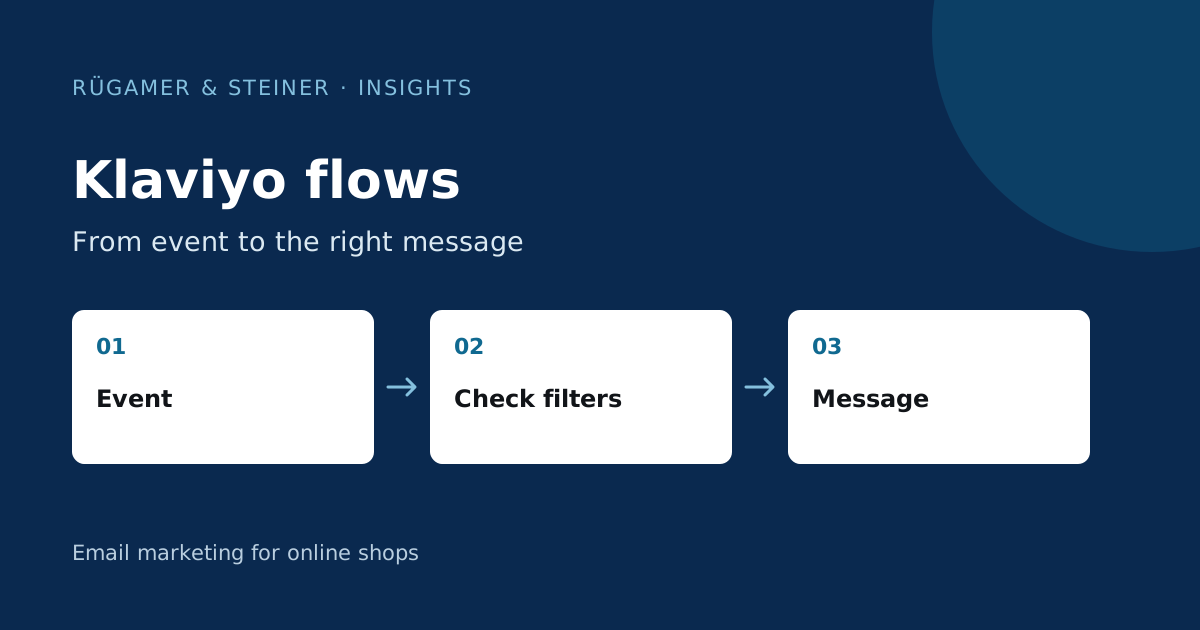
The trigger starts the flow. A trigger filter checks the event that started it. A profile filter is checked again before a later message. For a checkout reminder, a condition might be: no order since entering this flow. The Klaviyo documentation on triggers and filters explains this distinction.
Controlled test case for a checkout flow
- 10:00: A test profile triggers
Started Checkout. The first message is scheduled one hour later. - 10:20: The same profile places an order. Check that
Placed Orderarrives in Klaviyo. - 11:00: The profile filter recognises the order. The scheduled reminder must be skipped. Check the result in the recipient activity.
The one-hour waiting period is only a test setting here. Subsequent actions will re-check their conditions; skipping an email does not mean that the profile has been deleted from the entire flow.
Adding an item to a basket and starting checkout are different events. Name the flow after the signal it actually uses. Check sending eligibility and existing consent in your setup. A technical trigger alone does not authorise every type of message.
Assign a specific task to each message
Example of a welcome series for a shop with a product range requiring explanation: The first email welcomes the customer after their registration has been confirmed and fulfils the sign-up promise. A second email helps customers choose between product variants. A third answers a frequently asked question from the advisory service. If a planned email serves no specific purpose, delete it.
Review your campaign plan alongside the flows: a subscriber may qualify for several messages on the same day. Decide which content takes priority. For individual emails, consult the Guide to newsletter design.
Checklist before you start
- Check data: Do the event, timing, product data and target profile match based on a controlled test case?
- Test exclusions: What happens after a purchase, an unsubscribe or loss of sending eligibility? Check the conditions for entering the flow again, too.
- Check personalisation: Do the greeting, product block and fallback copy work when information is missing?
- Test emails and landing pages: Are mobile display, prices, availability, discount terms and links consistent?
- Check delivery: Are the delays, time zone and overlaps with other messages appropriate?
- Check after launch: Review recipient activity, skipped messages and initial results; document any anomalies.
For each flow, specify the action you expect. Different signals are relevant for a usage guide than for a purchase reminder. Only compare results using the same time period and the same measurement criteria. The guide to email marketing metrics shows why attributed revenue alone is not sufficient for this purpose.
If your team needs help with planning, set-up or ongoing reviews, our Klaviyo agency for online stores page explains the support available.
Sources and further documentation
Product documentation and primary sources relating to the steps described. Editorial source date: 10 September 2026.