At a glance
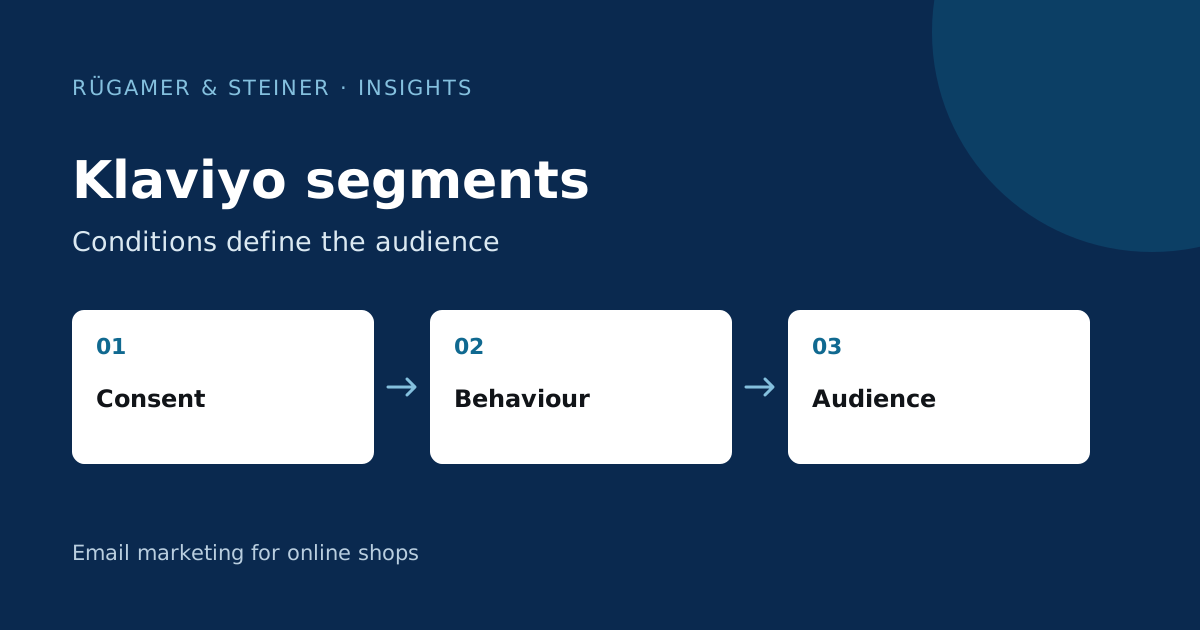
Lists hold memberships; segments group profiles dynamically according to conditions. Describe the audience you want in one sentence first, account for sending eligibility, and test AND/OR logic with real test profiles. Add criteria only when they change the message the recipient needs.
What distinguishes a segment from a list?
A list represents a managed affiliation, for example for the sign-up process. A segment responds to defined conditions and changes when profiles meet or no longer meet these conditions. Klaviyo explains the difference in the Comparison of lists and segments. A list name such as ‘Newsletter’ does not in itself indicate current interest, nor does it imply the same basis for sending to every contact.
Use lists for clearly defined registration paths and segments for current selection criteria. For example, a customer may appear on the main list whilst also belonging to the target group for a repeat purchase. These roles do not need to be represented by multiple parallel copies of the same address. For each target group, document the purpose, data source and the campaigns they are intended to use.
Describe the target audience in a single sentence
Formulate the technical rule before working in the editor. An example is: “German-speaking subscribers who have opted in to receive emails and are interested in running shoes, but who have not purchased any running shoes recently.” It is now clear which attributes are required: language, mailing status, source of interest and purchase data. If a data source is missing, the definition must be amended or the data collection clarified.
Check each criterion for its actual usefulness. A birthday does not belong in a segment for technical product advice if it does not alter the message. A completed field of interest may be more helpful than ten weak behavioural signals. Also, specify how missing values are handled. ‘Language is not English’, for example, is not the same as ‘Language is German’; unknown profiles may be categorised differently.
Check ‘AND’ and ‘OR’ with counter-examples
AND means every linked condition must be true. OR adds alternative matching cases. Sending eligibility must apply to every intended path. A clear model is: ‘Eligible to receive marketing AND (Interest A OR Interest B)’. Check how the actual builder groups your conditions and which profiles the result includes.
A sample scenario: Lea is interested in running shoes and is open to receiving marketing communications. Amir is interested in running shoes but has unsubscribed. Nora is interested in walking shoes and is open to receiving marketing communications. Only Lea should be targeted for an email about running shoes. For each new condition, add at least one profile that must be excluded. Unexpected matches are often easier to spot than an abstract error in the rule chain.
Classify engagement according to mailing frequency
Klaviyo shows in the Guide to an engaged segment how recent interactions and new sign-ups can be taken into account in the selection process. However, do not adopt a time window without checking it first. A shop with few campaigns per quarter creates fewer opportunities for interaction than a shop with several weekly mailings.
A new registration should not be excluded solely on the basis of a lack of historical clicks. At the same time, opens blocked by privacy settings are not clear engagement signals. Check which interactions within the account are actually measurable and how automated signals are handled. Use clicks, purchases and known interests as supplementary indicators. Do not label a contact as uninterested simply because a single measurement signal is missing.
Three useful target audiences for an online shop
- Product advice: Eligible prospective customers for a product group who have not made a relevant recent purchase will receive guidance on their selection.
- Repeat customers: Customers with several completed orders receive new ways to use their products or relevant additions rather than another basic introduction.
- New subscribers: Users who have recently registered are given guidance, even if historical interactions are not yet available.
These are planning templates, not ready-to-use rules. Fill in the specific event names, timeframes, language and exclusions from your shop. Check mixed shopping baskets and refunded orders. Whether a person should be considered a buyer on the basis of a returned order depends on the specific circumstances. A general rule cannot cover all campaigns equally.
How do you check a segment before sending?
Create a small matrix of required inclusions and required exclusions. Check at least one new profile, one buyer, one unsubscribed contact and one profile with missing attributes. Open a random sample of genuine matches and explain their classification based on the stored data. If this is not possible, the definition for sending the email is not yet verifiable.
Check the audience size before a campaign. A sudden increase may come from new data or a changed condition. Compare the definition with the previous version and record why it changed. The campaign editor applies further exclusions and sending rules, so the number of profiles in a segment is not automatically the number of emails eventually delivered.
Segments require clear responsibility
Use clear names, such as the purpose, language and date of the technical review. Include a brief description of the data used. A segment that nobody can explain anymore poses a risk to important campaigns. Before deleting, check whether a flow, campaign or integration depends on it.
Revise the rules if the product range, dispatch frequency or data collection changes. A long-standing interest in a product that is no longer offered may require a new classification. Keep the number of target groups manageable. A small number of reliably maintained segments make editing easier and make result comparisons more robust than having many nearly identical groups with no designated person in charge.
Sources and further documentation
Product documentation and primary sources relating to the steps described. Editorial source date: 5 October 2026.