At a glance
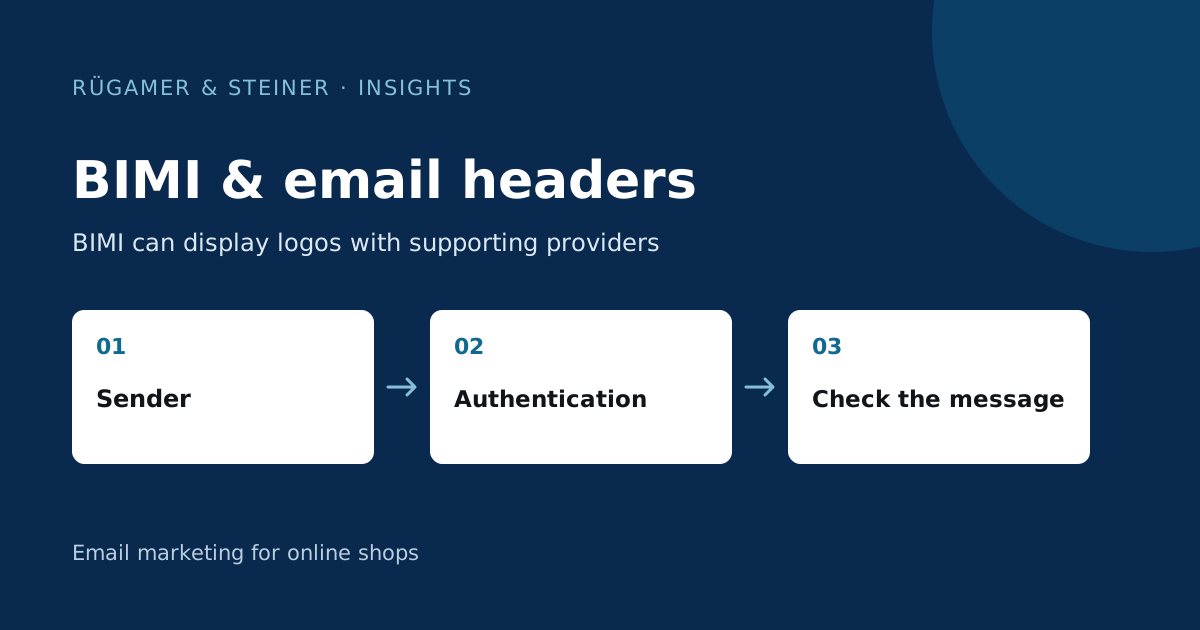
BIMI can enable logo display with supporting providers. Headers provide technical information on transport and authentication. Both complement a verification process; neither a logo nor a single pass entry proves that all content in the message is trustworthy.
What is BIMI and what is its purpose?
BIMI stands for Brand Indicators for Message Identification. This technology can enable the display of a brand logo with supporting email providers. The requirements set by each provider may vary. Klaviyo outlines the basics in the BIMI Guide.
Plan the project once authentication is working and sending is stable. First, draw up a list of key email service providers and their current requirements. Then check whether the effort involved in logo formatting, domain configuration and, where applicable, certificates is commensurate with the expected benefits. A blanket promise that the logo will be displayed in every inbox is not reliable.
An email header is more than just the visible header
The ‘From’ and ‘Subject’ fields visible in the email client are just a small part of the whole. The complete technical header contains further transport and validation information. Klaviyo explains in the Guide to complete headers how to access these in different email clients.
Use an actual message that has been received. An editor’s preview or a screenshot showing the sender’s name does not contain the necessary details. Also, note which mailbox and message type the sample comes from. A test email may differ technically from a regular campaign; both samples must therefore be correctly categorised.
What information is relevant for the review?
Consider the visible ‘From’ domain, the domain used for SPF and the DKIM signature domain. The DMARC match links a successful, correctly aligned authentication with the visible sender domain. The exact technical basis is explained in the Guide to SPF, DKIM and DMARC.
In the case of ‘Authentication Results’, what matters is which trusted receiving server supplemented the information. Messages may contain further lines with the same name or copied values. Anyone searching only for ‘pass’ without this context may draw the wrong conclusion. For an in-depth transport analysis, the complete message and the relevant technical contact should be brought together.
Example: Logo present, link destination unexpected
A hypothetical recipient sees a familiar brand image, whilst a payment link leads to an unknown domain. The logo does not answer the question of where the link leads. A proper check takes into account the reason for the message, the actual destination address and an independent means of contacting the company.
Even a technically correct, authenticated message may contain a false offer or originate from a compromised legitimate account. In day-to-day agency work, it is therefore advisable to carry out an additional content check: are the price, product, contact person and landing page correct? An authentication check does not replace this verification. Do not open suspicious links simply because the email address displays a familiar name.
Treat BIMI as a separate small project
- Check sender authentication and domain matching.
- Compile the current terms and conditions of the relevant email service providers.
- Prepare the logo and required evidence for these providers.
- Co-ordinate DNS changes with the relevant team.
- Check for genuine messages in supporting mailboxes.
- Document missing content and technical errors separately.
There are several possible reasons why a logo is not displaying. First, check with your provider’s support team and review the specific requirements, rather than immediately changing your existing email setup. This protects a functioning email channel from changes whose benefits have not yet been proven.
Which documents are suitable for sharing?
For technical support, the header, send time, message type and affected domain are helpful. Remove unnecessary personal details from publicly shared examples. The email received may contain addresses, internal references and individual links.
In the final report, record which mailboxes were tested and which display was observed there. Also specify the scope of the test: successful display with one provider constitutes a specific observation, not proof of compatibility with all email programmes.
Sources and further documentation
Product documentation and primary sources relating to the steps described. Editorial source date: 5 October 2026.