At a glance
Use the account-related DNS values from Klaviyo and check the results against a received message. SPF refers to the envelope sender, DKIM to a signature domain and DMARC to its relationship with the visible sender. A stricter policy requires a complete inventory of legitimate email services.
What roles do SPF, DKIM and DMARC fulfil?
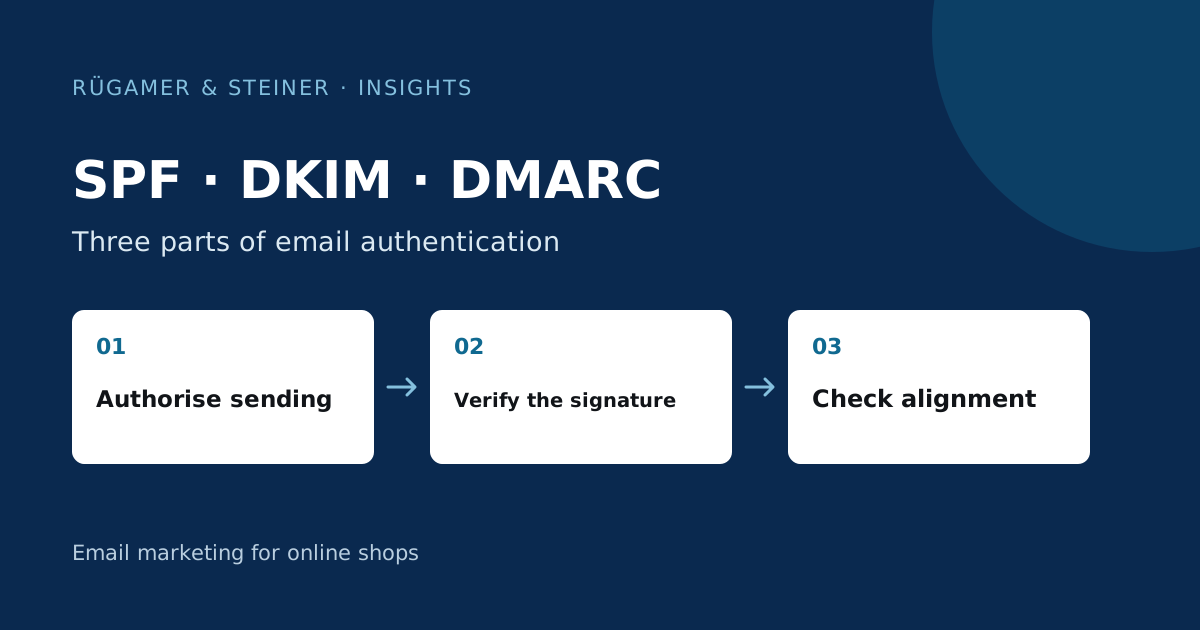
SPF checks whether the sending server is authorised for the envelope sender’s domain. DKIM enables the verification of a cryptographic signature and specifies a signature domain. DMARC assesses whether a successful SPF or DKIM verification matches the visible ‘From’ domain, and describes the desired handling of failures. Klaviyo explains the different domains in the Overview of domains relevant to delivery.
These functions complement one another. A visible sender name is not technical proof of ownership. Passing an SPF check alone does not prove that DMARC is valid for the visible sender. You should therefore record the actual domains and results in the audit log. This allows an error to be specifically attributed to a configuration, rather than grouping all terms under ‘DNS is working’.
Record all legitimate senders before making any changes
Create a sender inventory for marketing, shop confirmations, support, invoices and internal communications. For each service, note the visible ‘From’ domain, sending domain and area of responsibility. Even a rarely used service may send important messages. A domain policy affects its recipients just as much as it does the newsletter.
A model example: Marketing is handled via Klaviyo, invoices via accounting software and support via a helpdesk. DKIM is already working for marketing, but not yet correctly matched to the sender domain for the invoicing service. An immediate tightening of the DMARC policy would not fix this gap. First, check the legitimate messages from the invoicing service and correct its configuration. Only then can the joint policy be developed further in a well-founded manner.
Use DNS settings from the correct Klaviyo account
The current Klaviyo Guide to DNS and SPF Troubleshooting distinguishes between dynamic routing using NS records and static routing using CNAME and verification records. Use exactly the values specified by your account for the selected configuration. Klaviyo manages SPF for the return path used; an additional SPF record on the main domain is therefore not a blanket requirement for Klaviyo.
Check in the DNS editor whether the provider adds the domain name itself. Otherwise, an intended host may inadvertently result in a duplicate domain. Then check the public resolution. Existing entries must not be replaced indiscriminately. When making changes to the SPF content, a coherent, valid entry is required for the domain in question; a second, parallel SPF definition is not permitted. Save a backup of the original state so that any incorrect changes you make can be specifically reversed.
What does alignment mean when checking authentication?
Alignment describes the correspondence between the successfully authenticated domain and the visible ‘From’ domain. Depending on the DMARC settings, this correspondence is assessed with varying degrees of strictness. You should therefore check not only for ‘SPF pass’ but also for ‘DMARC pass’ in the authentication results added by the recipient. Derive the findings from a received message and compare them with the expected setup.
The Google sender guidelines include specific requirements for bulk senders to personal Gmail accounts, including SPF, DKIM, DMARC and alignment. Use the current requirements for your situation. A successful Gmail authentication check confirms a specific technical result; it does not guarantee inbox placement or cover every forwarding route or recipient.
Safely evaluate a received message
Open the original message or header view of your own test email. Compare the ‘From’ field, ‘Return-Path’, DKIM signature domain and authentication results. Use the results supplemented by the receiving email provider. A word such as ‘authenticated’ appearing on its own in the message body does not constitute proof of authentication. Where there are multiple header sections, it must be clear which receiving server carried out the verification.
Only share complete headers with authorised persons, as they may contain addresses and technical metadata. For internal records, domains, results and the time stamp are often sufficient. If a message is suspected to be from an unauthorised source, do not open any links it contains in order to verify the sender. Authentication is a technical component of the verification process; a correctly signed email may nevertheless contain misleading content.
Developing DMARC guidelines step by step
A monitoring policy can help to identify legitimate sending sources and errors. Review the reports with the relevant technical team and assign senders in a traceable manner. A robust policy should not result in necessary shop or company emails being rejected without notice. The decision therefore follows the cleansing of the sender inventory and the successful verification of the services used.
Change one setting at a time and monitor the relevant email types. A new mailing service, a domain change or a modified sender may require a re-test. Document the time, the specific change and the evidence received. This will make it possible to identify later whether a new error is related to the policy, an individual integration or another delivery method.
Technical Acceptance Checklist
- The account-related hostnames and values are correctly resolved publicly.
- Existing company senders remain in place.
- Klaviyo shows the specified domain as verified and activated.
- A marketing email received shows the expected SPF, DKIM and DMARC results.
- Shop, invoice and support emails have been checked separately.
- The initial version, changes and those responsible are documented.
Complete sign-off only after sending real test messages. A saved DNS record does not confirm the authentication or delivery of a later message. Add any notable provider responses and their specific codes to the sending log. This makes clear what has been technically confirmed and which delivery issues need further investigation.
Sources and further documentation
Product documentation and primary sources relating to the steps described. Editorial source date: 5 October 2026.