At a glance
Distinguish technical rejection, missing sending eligibility and spam-folder placement. Record affected providers, periods and error messages. Check authentication, sign-up sources and sending frequency. A few test inboxes or a green DNS status do not guarantee delivery to every recipient.
‘Delivered’ does not necessarily mean ‘in the inbox’
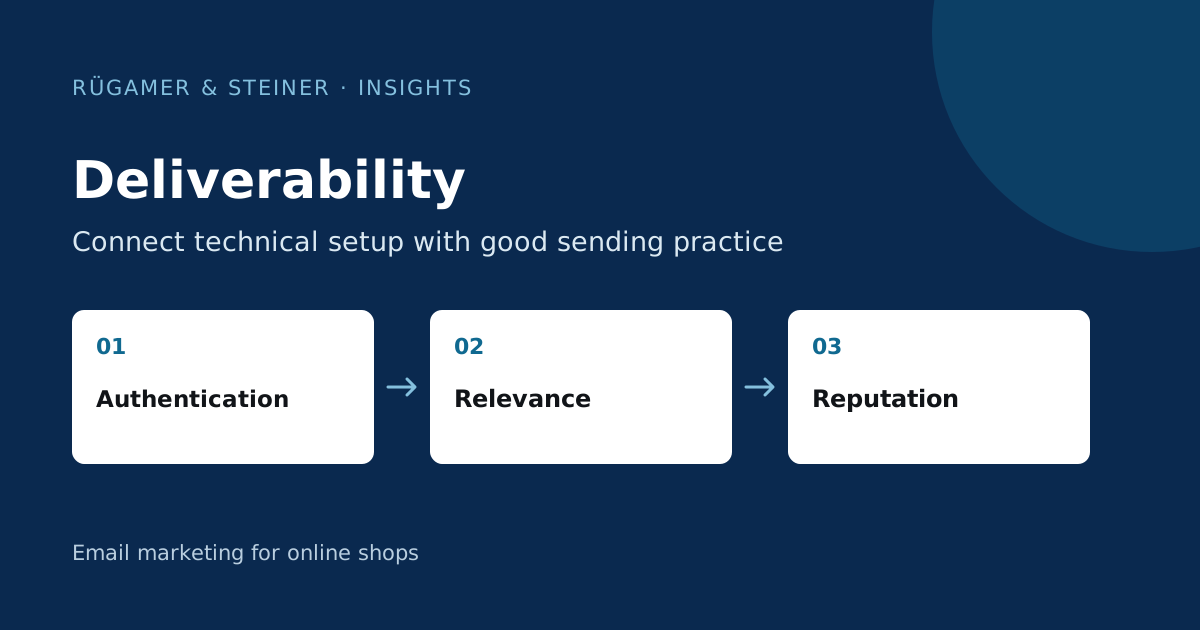
The delivery rate initially describes how many messages the receiving server has accepted. The provider can then sort them into the inbox, promotional folder or spam folder. A complaint that does not appear in the tool does not, in itself, prove that all recipients are satisfied. The Klaviyo Guide to Deliverability explains the interplay between sender reputation, list quality and sending behaviour.
Define the observed problem precisely. ‘None of the emails are arriving’ is too vague for an investigation. Note whether the message was not sent at all, rejected or found in the spam folder. Check an affected address in the recipient log and compare the timestamp with that of the actual email. This will help determine whether a sending rule, a technical error or the placement in the inbox needs to be investigated.
Break down the initial diagnosis by provider and time period
Group the affected recipients by email provider and examine the history before and after the change. Does the drop affect all providers or just one? Was there a list import, a new sender, a sharp increase in volume or a change of domain? Such a timeline often provides a more robust hypothesis than general advice on subject lines.
A sample scenario: Following an import of old contacts, bounce rates are rising across several providers. The main question to start with is how these addresses came about and when they last interacted validly. A new button colour will not resolve this data error. If, however, only one provider is affected, collect their specific response code, the affected mailings and a sample header received. This can form the basis of a targeted support ticket.
Distinguish between ‘hard bounce’, ‘soft bounce’ and ‘blocklist’
A permanently invalid recipient and a temporary rejection require different actions. Check the specific error message and how Klaviyo handles it before reactivating a contact. A temporary error may indicate a full mailbox, a limit or another provider-related issue. The term alone does not sufficiently explain the cause.
Even a blocklist hit must be contextualised: Which domain or IP address is listed, which service uses this list, and are there corresponding rejections? An isolated hit does not prove a blanket block. Gather evidence and contact the relevant delivery service provider with it. Do not remove recipients indiscriminately, do not change domains repeatedly, and do not circumvent blocks without clarifying the cause. Such changes make diagnosis more difficult later on.
Verify authentication for a received email
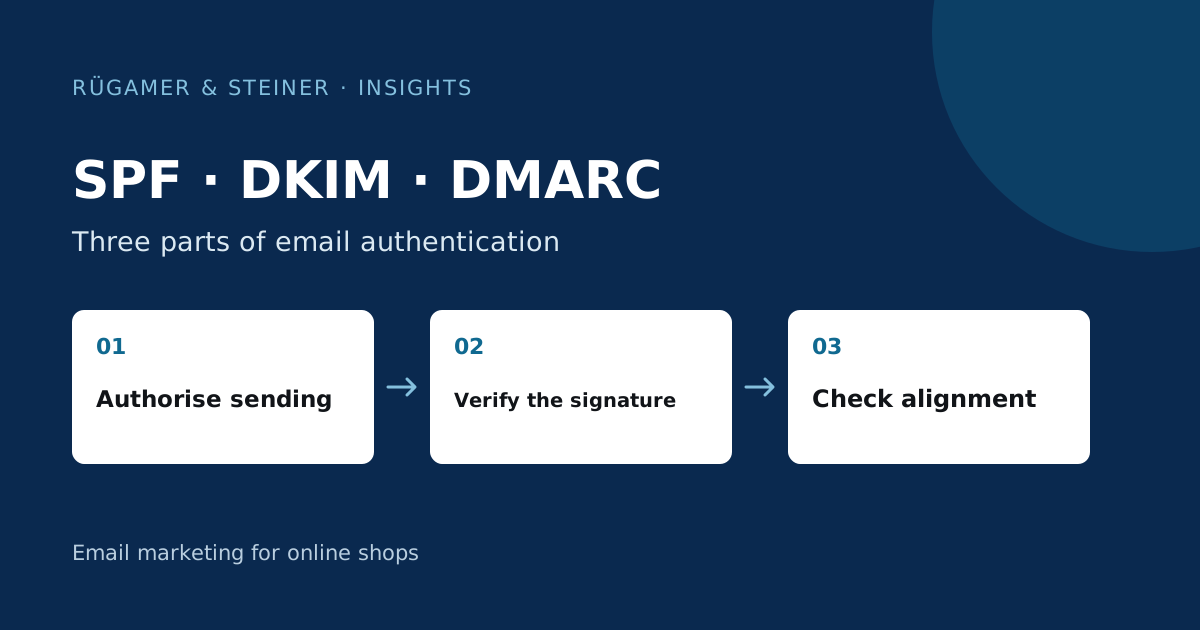
Check SPF, DKIM and DMARC in a sent message as well as in the DNS editor. The visible sender, return path and DKIM domain can differ. Header results show which checks the receiving provider performed. Our Guide to authentication explains the mapping and typical DNS errors.
Google publishes Requirements for messages sent to personal Gmail accounts, including authentication and, for large senders, additional requirements. Check the current guidelines for your sending volume. Any changes must take into account all legitimate email services, including the shop, support and invoicing. A stricter domain policy without a complete sender inventory may affect necessary business emails.
Improve registration methods and list quality
Check where addresses are collected and what commitment is made there. An imported customer list is not automatically a current newsletter target group. Check the confirmation process, failed sign-ups and unsubscribe synchronisation. If contacts have not received relevant content for a long time, a sudden full-scale mailing creates a new situation for this group.
Plan the clean-up in a transparent manner. Which contacts are invalid, which have unsubscribed, and which have had little opportunity to interact so far? There may be various reasons for a lack of opens. Use additional signals and take the sending frequency into account. Klaviyo explains the current list maintenance process in the Guide to list cleaning. Keep exclusions and suppression separate from permanent deletions.
Adjust sending volume and content in a controlled way
Consider the entire contact plan comprising flows and campaigns. A recipient may receive several messages on the same day, even though each message may seem reasonable in its own right. Check the context and expectations regarding frequency. An easily accessible unsubscribe option and clear content help the recipient manage their choices; a hidden unsubscribe link does not build a better relationship.
Modify larger sending volumes gradually and document the results by provider. Specify who reviews notable rejections and complaints, and when a sending group is suspended. The appropriate plan depends on the initial situation and the data observed. There is no universal figure that guarantees a safe inbox delivery for every account.
What evidence should be included in the delivery check?
- Specific sends, providers and periods affected.
- Recipient status and full technical response code.
- Authentication results from a received test email.
- List of email services used and domain changes.
- Sign-up sources, exclusions and frequency for each audience.
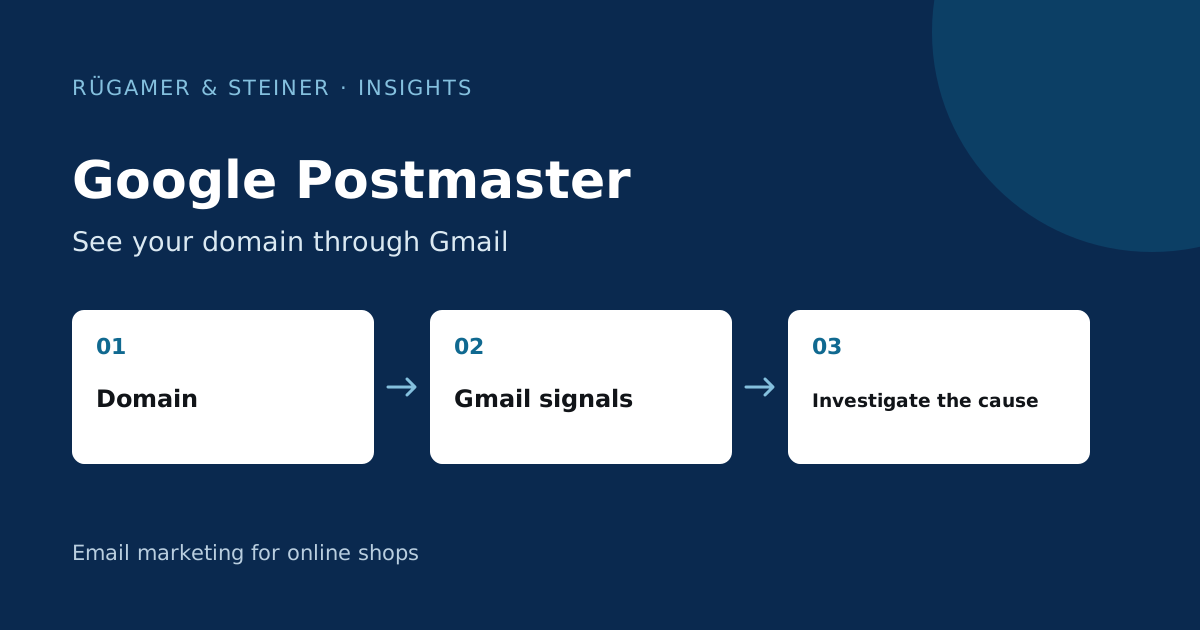
- Provider data from Google Postmaster, where available.
After making a correction, repeat the same observable cases. A test mailbox confirms its own receipt, not widespread success. You should therefore record specific improvements and any remaining provider limitations separately. This ensures the diagnosis remains transparent and changes to the sending process can be assessed on the basis of evidence rather than assumptions.
Sources and further documentation
Product documentation and primary sources relating to the steps described. Editorial source date: 5 October 2026.