At a glance
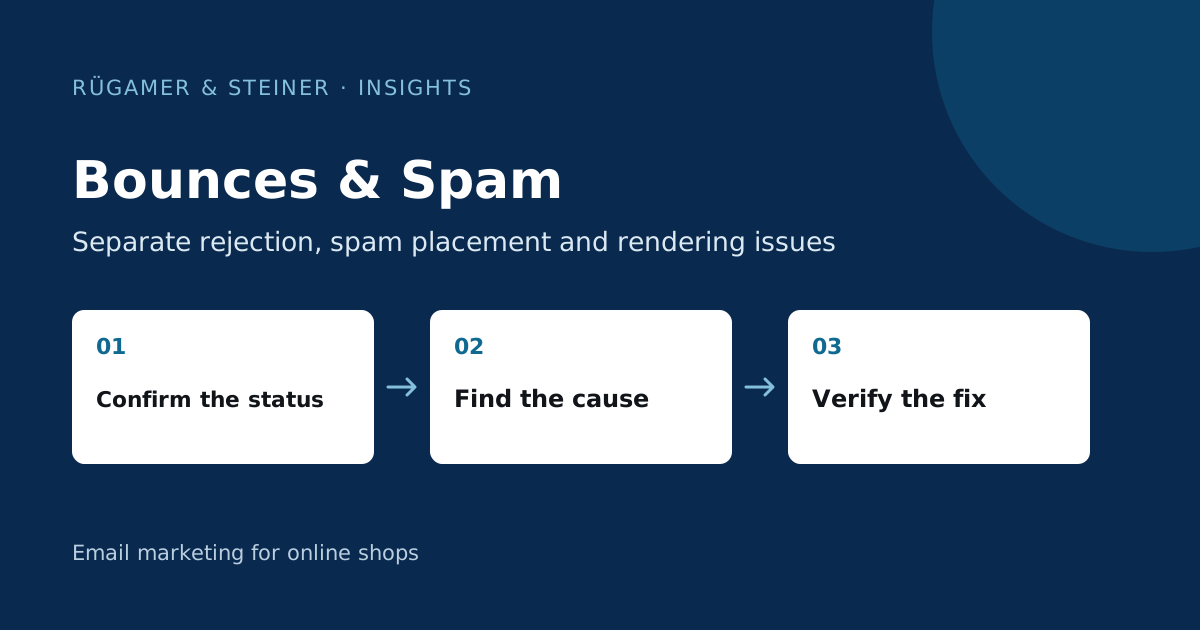
Distinguish between rejection, spam placement and non-delivery. First, review the specific error messages and the affected recipient domains. Correct the root cause before resuming sending or reactivating blocked profiles.
Bounce or spam folder: what actually happened?
In the case of a bounce, the receiving server fails to accept an email. A hard bounce describes a permanent error, whilst a soft bounce describes a temporary error. In the case of a message being classified as spam, however, it may technically have been delivered. The email programme then categorises it accordingly. ‘Delivered’ therefore does not imply placement in the visible main inbox.
Start with the affected profile and the specific message. Note the time, recipient domain, delivery status and error message. In the case of a display-related complaint, also ask for the folder and email programme. This creates a verifiable baseline for support, rather than an assumption about the entire recipient list.
Investigating hard and soft bounces in Klaviyo
A misspelt or no-longer-valid address can result in permanent failure. A full mailbox or a temporary restriction on the recipient’s end may cause a temporary rejection. Klaviyo explains the categories and automatic suppression in the Bounce Guide. Use the documented reason for the diagnosis.
Do not reactivate suppressed addresses indiscriminately to expand a list. First check for a confirmed new subscription request or a corrected address. Repeated attempts to send to unchanged invalid addresses do not solve the data problem. If cases cluster, check the sign-up source: an import or form may be systematically supplying unusable data.
Break down errors by recipient domain
Create a comparison of the same campaign for Gmail, T-Online and other key domains. An overall rate may mask a local issue. Also, distinguish new addresses from long-standing active contacts. A sudden spike in errors following an import suggests causes other than a provider issue, given that the sending process remains otherwise unchanged.
Klaviyo documents specific requirements for mailbox placement for T-Online. Please check the current T-Online documentation and work with the specific feedback. Do not switch to a new sender domain too hastily: this would also entail a new reputation and additional technical checks.
How do you investigate a suspected blocklisting?
A blocklist may apply to a domain or a sending IP address. These are different entities. You should therefore note which address or domain is actually to be listed and from which notification the information originates. In the case of shared sending IP addresses, the platform provider is an important point of contact for the investigation.
A query on any list does not in itself prove that your most important recipient provider uses that list. Similarly, a request for removal without rectifying the underlying cause is rarely a conclusive resolution. Check list quality, complaints, authentication and recent delivery changes. Provide support with the exact error message without unnecessarily sharing the entire contact list.
Example: The error begins with an old list
A fictional shop imports a list from a previous promotion and includes it in a large-scale campaign without further verification. The bounce rate rises particularly for these addresses. The first sensible step is to remove the new list from further broad-based mailings and to clarify its origin and consent status. A new subject line would not change the situation regarding the invalid address.
Once the data source has been corrected, treat any further mailings to the contacts who remain active as a separate process. This will allow you to verify whether the problem was indeed limited to the import group. Also document the excluded profiles and the criteria for their possible reinstatement at a later date. A one-off lower error rate following a smaller mailing does not yet constitute proof of full recovery.
What should be included in the diagnostic report?
- Relevant campaign or flow message with date and time.
- Recipient domain, error code and actual status.
- New data sources or changes to sending volumes.
- Authentication, complaints and repeated rejections.
- Specific fix, owner and next comparison.
The next review should examine the same groups. A mere total figure based on a changed recipient mix may give the false impression of an improvement. Further background information can be found in the Guide to deliverability.
Sources and further documentation
Product documentation and primary sources relating to the steps described. Editorial source date: 5 October 2026.