At a glance
Klaviyo Reviews is documented for Shopify and WooCommerce and is billed as a separate product. Before making a decision, check order details, the timing of the enquiry, widget integration, how existing reviews are handled, and carry out a full test from purchase to publication. The number of features is less important than a reliable workflow within your own shop.
Separate product reviews from company reviews
A review of a rucksack’s fit helps with product selection. A review of delivery communication describes a different experience. Both are valuable, but require appropriate questions and placement. Determine whether your solution is primarily intended to supplement product information, identify service issues or collect general customer feedback. A single star rating system obscures these differences.
A specific example is an outdoor clothing shop. On the product page, details on size, material and intended use are helpful. A question about general delivery times could, instead, improve the service process. Before you implement a new tool, gather specific scenarios: what uncertainties do prospective customers have, what feedback can a buyer provide, and where will this be needed later on? This creates a verifiable list of requirements rather than a comparison based on advertising claims.
What are the requirements for Klaviyo Reviews?
The Klaviyo introduction to reviews mentions Shopify or WooCommerce as well as an active Klaviyo account. Reviews are billed separately from email and SMS. Please also check the specific pricing conditions in your own account; the Product page provides further guidance. An existing marketing integration does not confirm that the Reviews app and its widgets are configured.
For Shopify, check the theme used and the intended product pages. For WooCommerce, check the actual installation method used and the display within your own theme. Open a page with multiple variants, a page without reviews and one with a long product name. Are the product mapping, language and review display correct? Testing these specific scenarios provides more meaningful results than simply ensuring the app installs successfully.
Align review requests with the user experience
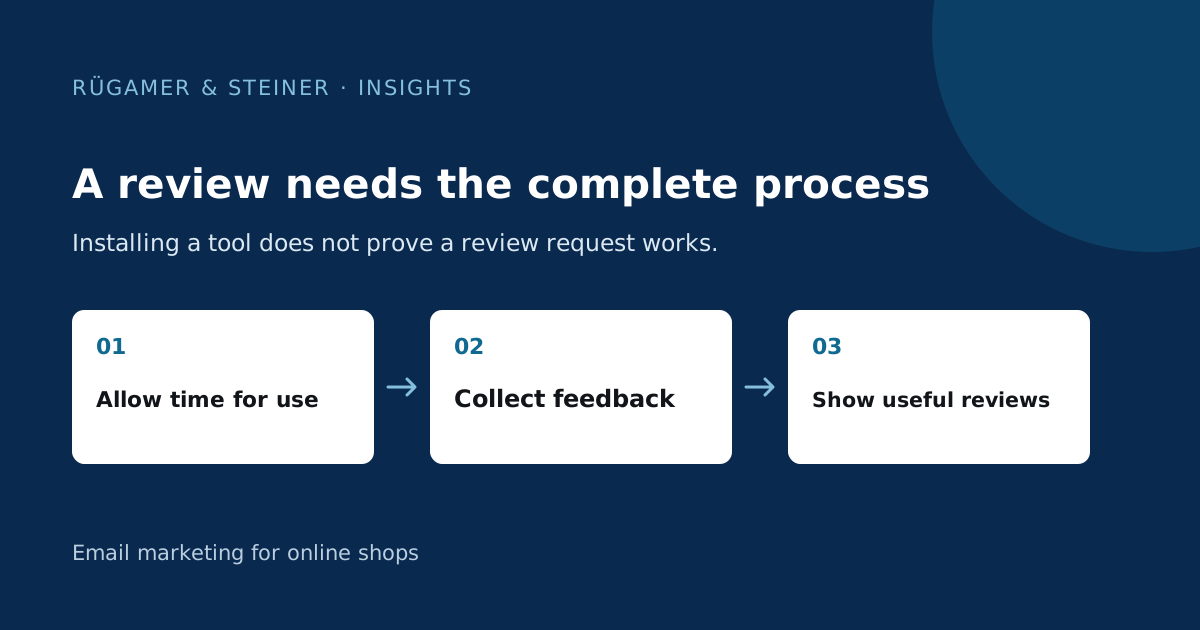
A meaningful enquiry presupposes that the person is able to assess the product. You should therefore check the available delivery information and the actual time needed to use the product. An accessory that can be used straight away can be assessed sooner than a seasonal product. Choose the interval as a reasoned starting hypothesis and document why it suits this product range.
Klaviyo provides a review request flow; however, its triggers and waiting times must still be tailored to the shop. Test scenarios involving delayed delivery, cancellation, returns and the purchase of multiple products. A customer with an unresolved issue may initially require assistance. Avoid multiple simultaneous enquiries with no apparent connection. A verified review must be traceable back to the actual purchase and enquiry links provided for that purpose; imported text should not be given a new source that is not substantiated.
Short questions, helpful presentation and fair support
Only ask for information that you will actually use. For a jacket, fit and intended use may be helpful; for a coffee grinder, operation and grind settings are more relevant. A short questionnaire reduces the effort required of the buyer. Check on a smartphone whether the enquiry and the review process are clear without requiring unnecessary registration. A missing piece of information must not render the rest of the text unusable.
Define transparent rules for moderation and responses. Objective negative feedback is an indication of a product or service issue. Document the process for resolution and the public response. If an incentive is offered, it must be appropriate for honest feedback and independent of a positive verdict. The Klaviyo Academy notes on reviews also describe the link to service cases and further customer contacts.
Compare review platforms according to neutral criteria
Before making a comparison, draw up a short table of your requirements. These include shop compatibility, product mapping, languages, enquiry channels, data export, widget display, moderation and support. Indicate what is absolutely essential and what would simply be helpful. A long list of features can mask the actual shortcoming, such as a lack of support for your variant structure.
Carry out the same test cases for every solution you are seriously considering. Run a test order of your own through the entire process and check for both critical and positive feedback. Also assess mobile screen space requirements, loading behaviour and the possibility of reusing the data later. Existing use of Klaviyo can facilitate collaboration; however, it should not be the sole reason for choosing a solution if another option better meets a key requirement for the specific shop.
Accurately carry over existing reviews and costs
A migration begins with a secure export of existing data. Check product identifiers, language, date, review text and existing proofs of origin. First, import a small set of records via a suitable test process. Then check the allocation within the shop. A missing document must not be replaced by a new date or a fictitious verification.
Compare the current costs based on your actual order volume and the features you require. Klaviyo describes reviews and pricing management in the Billing overview. Enquire about limits, what happens when the limit is reached, and any potential additional costs. Also take into account migration, installation and ongoing support. This guide does not specify a permanently valid price; the current plan or contract at the time of decision-making is decisive.
How do you check the complete review process?
- A test order placed by the company is matched to the correct product and customer.
- The review request reaches the customer at a clearly defined point.
- Cancellations, returns and pending deliveries are handled as intended.
- Text, images and optional questions work on smartphones.
- Origin and verification status are displayed correctly.
- Feedback appears on the correct product page and is forwarded to the service team if necessary.
- Export, unsubscribing and other reminders behave as documented.
Then monitor engagement, the value of the content and the support required. More reviews alone do not indicate whether buyers are better able to make decisions. Helpful feedback answers specific questions and enables improvements to product information, the product range or service. Use this observation as a basis for the next step.
Sources and further documentation
Product documentation and primary sources relating to the steps described. Editorial source date: 5 October 2026.