At a glance
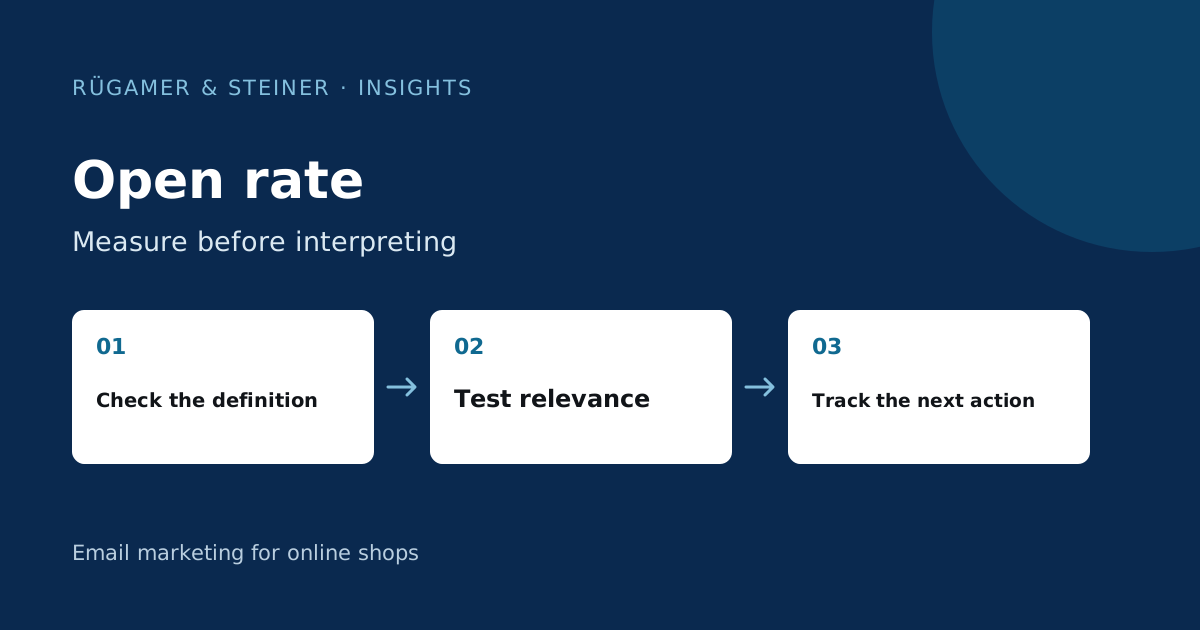
The unique open rate is the number of recipients with at least one recorded open divided by the number of delivered emails. Apple Mail Privacy Protection may automatically load content and inflate the measurement. Compare similar audiences using the same filters and also check clicks, purchases, complaints and unsubscribes. A high open rate does not indicate additional revenue.
1–2: Record the formula and measurement method
1. Check the denominator: Use delivered emails and unique recipients who opened, rather than counting every open event. In our illustrative calculation, 2,000 recorded unique openers out of 10,000 deliveries give an open rate of 20 per cent. Repeated opens do not automatically increase the unique rate. Record the definition your tool uses.
2. Account for automated email opens: Apple Mail Privacy Protection may preload a tracking pixel without the recipient actually reading your message. Klaviyo displays in its Guide to MPP reports how these events can be considered separately. Even filtered email opens are not a perfect measure of human attention. Keep the selected settings constant for before-and-after comparisons.
3–4: Check the audience and deliverability before writing
3. Select comparable recipients: A welcome email to newly registered users and a broad seasonal campaign have different starting points. Compare campaigns with similar triggers, similar contact sources and similar mailing approvals. Use activity signals together; purchases and actual clicks can supplement what open rates alone do not fully reveal. The Klaviyo guide to active segments provides a technical introduction.
4. Rule out provider issues: Check whether a decline affects all recipients or primarily one email provider. Bounces, error messages and spam complaints may explain why the best subject line is hardly being seen. Check sender authentication and delivery history. An email accepted by the receiving server does not necessarily constitute a confirmed delivery. The Deliverability guide guides you through the diagnosis.
5–6: Make the sender, subject line and preheader specific
5. Make your sender instantly recognisable: Ensure the visible sender name is clear and consistent with the brand. Using a well-known person as the sender only makes sense if the reply inbox is managed and the identity is correct. A name that is unexpectedly different may obscure the connection to the registration. Check in real email client views what remains visible on a smartphone alongside the subject line.
6. Give a clear reason for the email: Write a subject line that accurately previews the email. In our example, ‘Three gift ideas for filter coffee fans’ says more than ‘Don’t miss this’. The preheader adds useful detail such as budget, selection or availability. Fake replies beginning ‘Re:’ and artificial urgency are poor foundations for a test. The subject line guide shows further checks.
7–8: Plan timing and contact frequency together
7. Test a plausible timeframe: Formulate your own hypothesis, for example, as to whether a product guide is read before typical weekend use. There is no single ‘best’ day of the week that applies to every shop. Compare time-based variations with appropriate scope and equivalent target audiences. Campaigns and automated flows may reach the same person; therefore, take the entire contact history into account.
8. Limit repetitions: Do not resend the same newsletter solely because of a lack of measured opens. The recipient may have read it without pixel tracking. Establish a separate reason for a reminder and take into account any purchases made in the meantime as well as unsubscribes. A better open rate in the short term with a narrower target group initially indicates a different selection, not automatically an improvement for the entire mailing list.
9: Run a test with a clear decision rule
Change one important factor and define the winning metric beforehand. For a subject line test, a filtered open rate can offer a clue; also check clicks and subsequent actions. A higher open rate alone cannot support a sales decision. The Klaviyo documentation on significance explains the limits of minor differences and the importance of sufficient data.
A model of its own: Variant A is opened more frequently, whilst Variant B leads more often to the relevant product page. Which variant is better depends on the pre-defined objective. Do not change this objective after reviewing the figures. With low mailing volumes, many tests remain inconclusive. Document the result as uncertain and collect further comparable data.
10: Assess email opens alongside the value delivered
For each campaign, consolidate deliveries, unique opens with filter descriptions, unique clicks, relevant shop actions, unsubscribes and complaints. Highlight changes to the target audience, tracking and the offer. This will help you identify whether a more favourable metric coincides with better follow-up actions or simply with a different measurement method.
Do not set an external benchmark as a rigid target for all messages. Your own, clearly documented history is often more meaningful for the next decision. Select the area with the clearest findings from the ten steps and examine it first. If open rates rise and engagement falls, analyse the offer and landing page before starting the next subject line test.
Sources and further documentation
Product documentation and primary sources relating to the steps described. Editorial source date: 5 October 2026.