At a glance
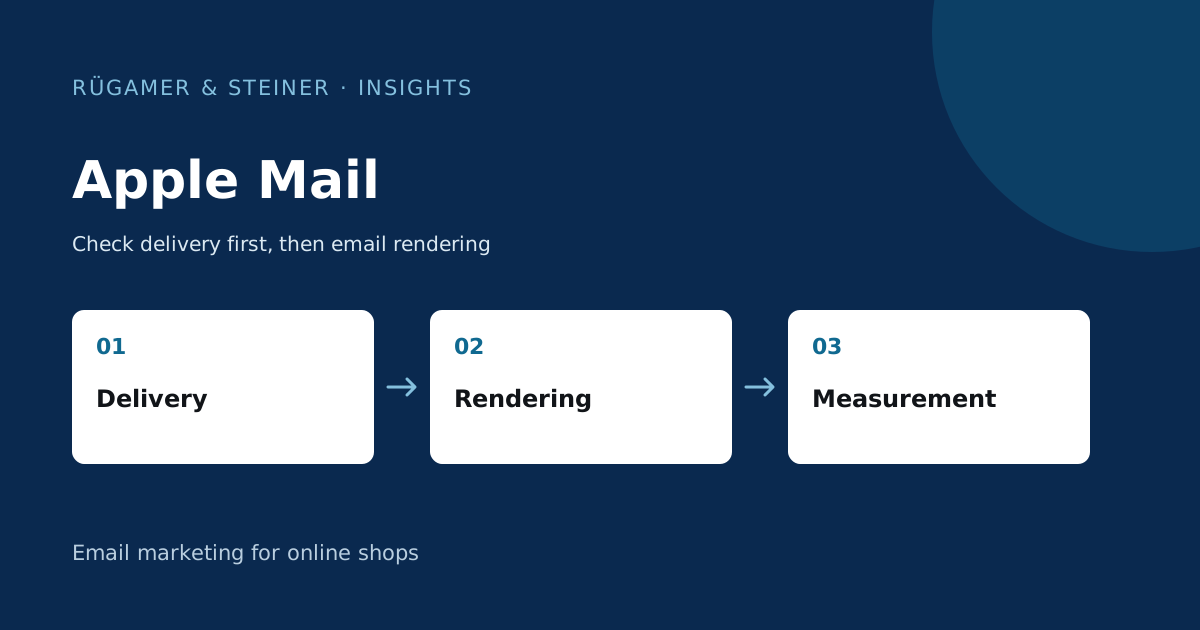
First check delivery status in your account and then the display in the client. Mail Privacy Protection affects open rates; it does not automatically explain every delivery issue. Do not rush to change privacy settings or the entire sending process.
Is the message missing from the account or just from the app?
First, check for a copy in the webmail for the same email account. If the message is there, server delivery is a separate issue from whether it appears on the iPhone. If it is missing from webmail too, check the spam folder, filters and the specific delivery status. Sending a new test email will only help if the time and the correct recipient’s email address are known.
Apple describes in the Guidance on missing emails possible causes in the account and email retrieval. Work through the checks that match the observed problem. Do not ask recipients for login details. The account, email client and time of the issue are enough for an initial investigation.
A visible email without images is not a bounce
Check that the text is legible and that only external images are missing. For a newsletter, this means: the most important information must remain recognisable even without images. A clear subject line, proper paragraphs and descriptive alternative text improve usability in this situation.
Our Newsletter examples demonstrate visual design. The technical implementation of an email also involves ensuring an appropriate text structure and checking image destinations. A PNG export alone does not answer the question of readability when images are blocked. You should therefore check the email as received, not just the design mock-up.
What does Mail Privacy Protection change?
Apple explains that Mail Privacy Protection hides the IP address and makes it more difficult to track email activity. As a result, information about opens may differ from the actual reading of a message. The Apple documentation also specifies the limits of this function.
For ecommerce teams, this means: A page view is not definitive proof of personal interest. Do not use it on its own as a trigger for a highly specific sales message. Consider relevant clicks and shop interactions as supplementary indicators, whilst taking into account the respective tracking basis. The email marketing metrics guide explains the significance for comparisons.
Example: Good delivery, poor presentation
A fictional shop sends a product advice document as a large image. The message is visible in webmail, but a large empty space remains on the iPhone. The first point to check is the image display and the image URL used. Resending an identical email would repeat the same design error.
A reliable fix uses live text, appropriately sized images and links that work. Also check the mobile width: an image may have loaded technically, but appear too small in the layout. Retain the recipient’s existing privacy settings. A message should also be usable in a meaningful way under standard privacy settings.
A small test set is sufficient for the initial assessment
- Send a standard message to a designated test address.
- Document the time, recipient and dispatch status.
- Compare the same mailbox in webmail and in the app.
- Check text, images, links and mobile width individually.
- Compare the observation with a second relevant email client.
- Repeat the same test case after a correction.
A single successful inbox does not constitute a universal representation. However, it helps to distinguish a specific error from the general suspicion that ‘Apple blocks everything’.
Interpret open data correctly in reporting
Record the analysis period used and any changes to data collection. If the composition of email clients or the handling of automatic opens changes, a comparison of open rates may be misleading. The apparent change is then, initially, a matter of measurement.
Assess results against the message’s purpose: reading a selection guide, visiting a product page or completing a recurring task. Choose the metric accordingly. Missing messages in the app and unreliable open data require separate investigations.
Sources and further documentation
Product documentation and primary sources relating to the steps described. Editorial source date: 5 October 2026.