At a glance
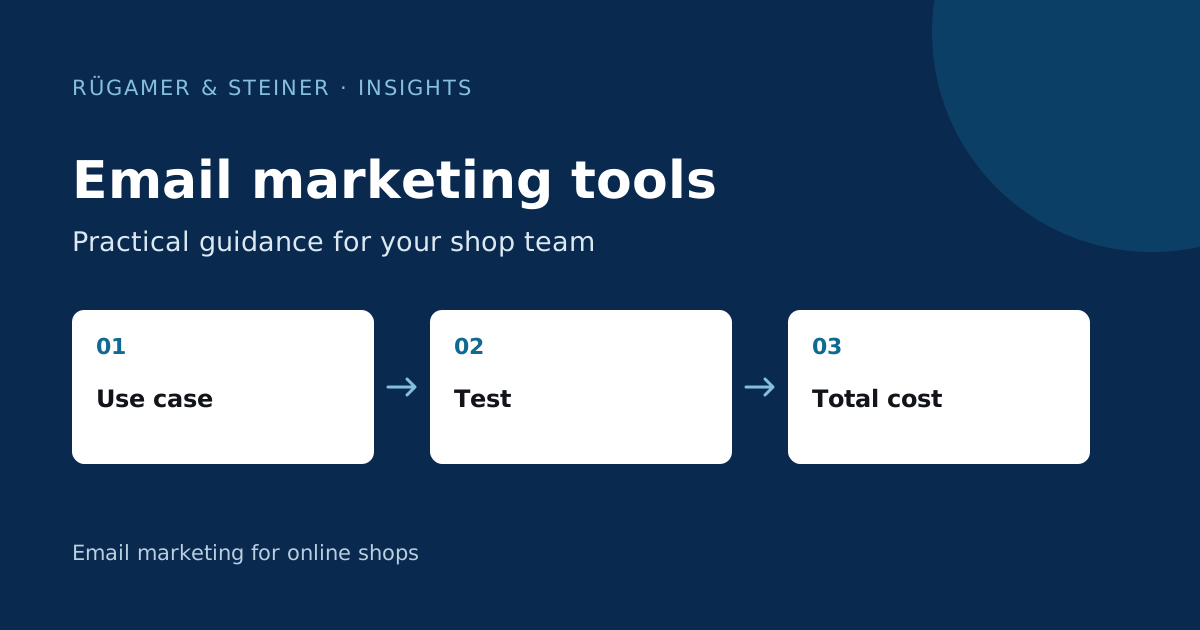
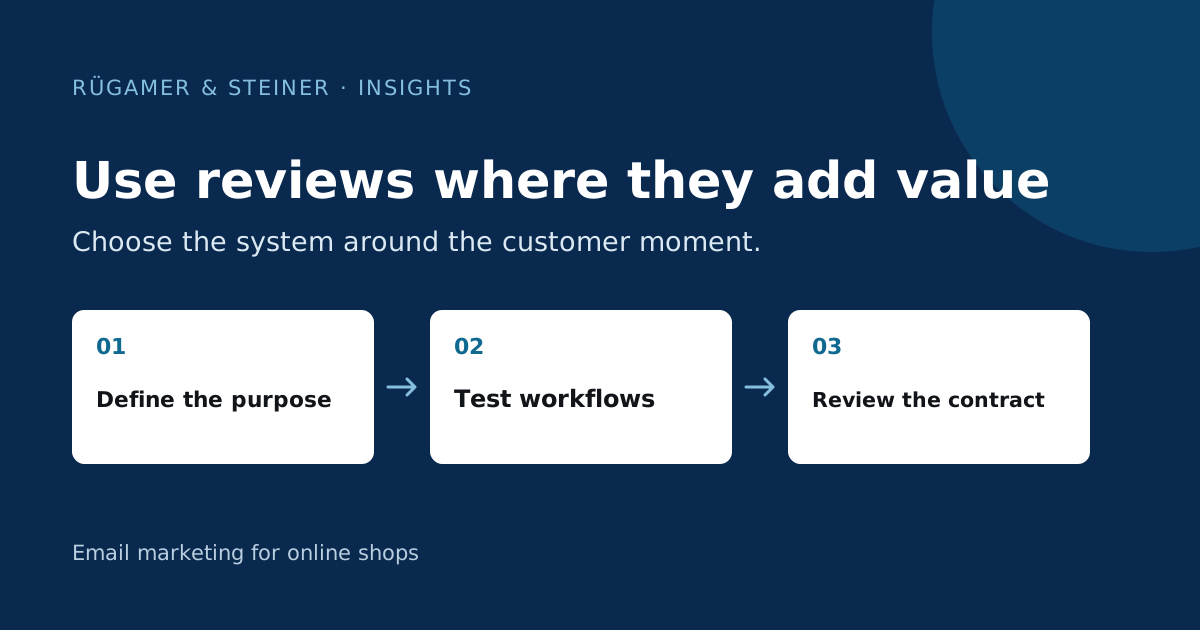
Start with the purpose of the review: product decision, shopping experience or service. Then check the integration with your specific ecommerce platform, the invitation method, the source of the reviews and the data export. The right decision is based on proven processes within your own shop and the terms and conditions, not on the longest list of features.
Separate product reviews from shop reviews
A customer may be satisfied with the delivery but still criticise the fit of a jacket. A combined star rating would conflate these two statements. Product reviews form part of the decision to purchase a specific item; shop reviews, on the other hand, describe aspects such as ordering, delivery or customer service. Determine what kind of feedback is needed at which stage and when your invitation to provide it should be sent.
As a model example of our own, we compare the systems for an outdoor shop with many size variants. The shop wishes to display fit guidance on the product and handle delivery issues internally. Its most important criteria are therefore the assignment to the variant, a traceable order reference and a functioning support channel. An additional company review may be useful, but does not replace these requirements.
Klaviyo Reviews: Reviews in the existing Klaviyo workflow
Klaviyo documents reviews for Shopify and WooCommerce. The product page states that a paid Klaviyo email plan is a prerequisite; reviews are billed separately according to the respective offer. Invitations, review display and the use of data are therefore closely aligned with the existing Klaviyo system. Check the specific account to see which features and limits are available. The mere presence of a shop integration does not automatically activate reviews.
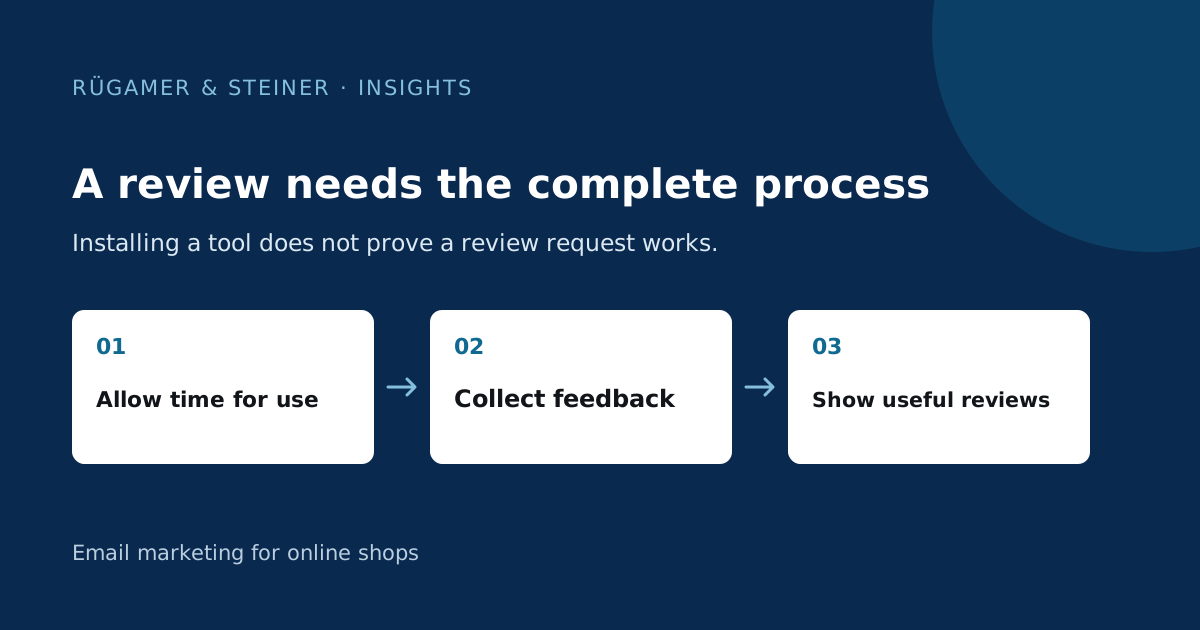
For our model store, proximity to existing purchase events is a key criterion. Can invitations be triggered after a suitable usage period? Are cancelled orders excluded? What product information appears in the widget? The technical setup and team collaboration are covered in our Guide to Klaviyo Reviews.
REVIEWS.io: Connect review data with Klaviyo
REVIEWS.io lists Shopify, WooCommerce and Klaviyo among its official integrations. Its current Klaviyo guide requires an active Klaviyo account and a REVIEWS.io plan from the ‘Start-up’ tier. It describes account linking and separate events for company, product, photo and video reviews. This confirms an available integration, but not complete data synchronisation for every store.
You should therefore check the actual events and their properties. The guide points out that events only become visible after the connection has been established and a matching new rating event has occurred. Use controlled test data to verify that the product ID, rating type and timestamp are being received correctly. If you have multiple Klaviyo accounts, ensure the correct store is assigned; otherwise, an incorrect account may distort segments and follow-up workflows.
Trusted Shops: Check shop trust and product feedback individually
Trusted Shops presents shop reviews, product reviews, the Trustbadge and buyer protection as distinct services. The shop review page describes a purchase-related, closed review process; the product review page documents the collection, display and evaluation of product feedback. The integration overview provides links to guides organised by shop system. This suggests a different verification process compared to a decision based solely on a product widget.
Determine which modules your offering includes and what technical integration your theme requires. An existing quality seal does not automatically mean that variant reviews, languages or a desired export feature are already set up. The conditions for imported reviews must also be met separately. The sources specify the prerequisites for using existing reviews; a migration must not alter the original purchase reference or content.
Compare three solutions with the same use cases
Carry out each demonstration using an identical small test catalogue: a standard order, multiple products, a cancellation, a return and a product ID that has been changed retrospectively. Also check a critical review, an image and an empty review section. For each scenario, note which feature is included in the subscribed plan and where an additional integration would be required.
The questions should remain specific: Who receives an invitation? How long does the system wait? Where does negative feedback end up? Can the team draft a reply? What does a mobile visitor see? A documented feature is a good starting point. Only a test within the theme being used will show whether the layout, language and loading behaviour meet your requirements. Provider marketing figures are not a reliable indicator of success for your shop.
Check costs, migration and data access before switching
Compare current offers based on the same order quantity, number of invitations, domains, languages, user roles and required modules. Record basic fees, usage limits, additional features and set-up costs separately. A price table without these reference points would be incomplete. Use the current rates and a specific quote, rather than treating any euro amount mentioned here as permanently valid.
Before making any changes, you will also need to carry out a test export. Does it contain product identifiers, text, dates, media and a traceable status of origin? Clarify contractual rights of use and the terms following termination. First test the import on a few suitable products and compare the original with the target. Reviews of different products must not be combined to create the appearance of a single body of evidence.
Document a well-founded selection
Weigh up your criteria before evaluating providers. For the model shop, variant management and support channels may be more important than an additional dashboard. Document the required evaluation criteria, proven integration, successful test cases, data rights, running costs and any remaining limitations. The pilot will only end once invitations and widgets are working as planned and someone is responsible for providing answers. This justifies a selection process without a single overall winner and without promises regarding conversion rates or AI recommendations.
Sources and further documentation
Product documentation and primary sources relating to the steps described. Editorial source date: 5 October 2026.