At a glance
Check the Shopware version, extension and supported configuration against the latest documentation. Check registration, tracking, checkout, ordering and the catalogue for each sales channel. Use the Shopware-specific data fields in templates and only start flows after successful positive and exclusion tests.
What are the requirements?
Klaviyo describes the integration for Shopware 6 in the Shopware Setup Guide. The documentation refers to version compatibility and support via a third-party provider. Please check this information against your current shop and the extension actually in use. An old installation guide is not sufficient for this; versions and configuration options may have changed.
Also note sales channels, languages, domains and existing extensions for checkout or consent. A customised storefront setup may require different checkpoints to a standard installation. Record who is responsible for Shopware configuration, Klaviyo settings and DNS or tracking. Distributed responsibilities are manageable if a responsible person and a verifiable outcome are specified for each data path.
Configure the extension specifically
Before making any changes, check whether a Klaviyo integration or your own tracking snippet is already in place. Multiple active transmission channels can generate duplicate events. Link the extension to the designated account and enter login details only in the designated private settings. Private API keys must not appear in public templates, browser code, screenshots or freely accessible documentation.
If you operate across multiple sales channels, use a configuration overview. Which domain uses which account, which language and which target list? Check the publication status of the actual storefront. A successful test in a different sales channel does not validate the desired channel. If the extension is modified or replaced, plan in advance how ongoing flows and existing metrics will continue to be assigned.
Understanding Shopware events in your account
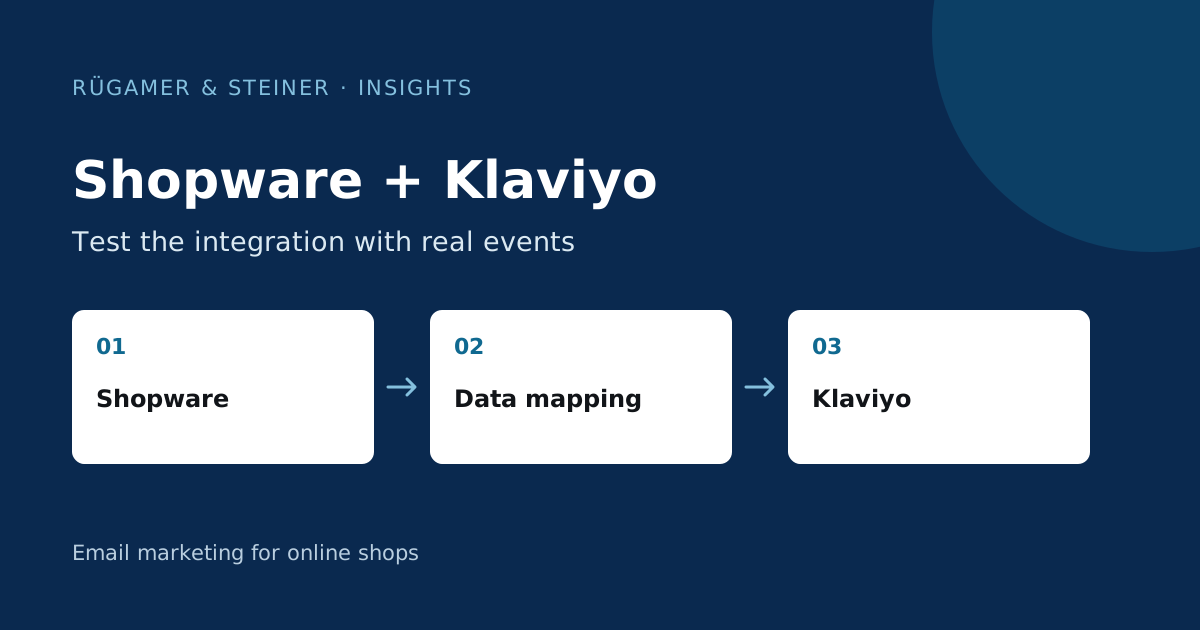
Klaviyo explains in the Overview of Shopware data which activities and information are transferred. Check these events using a test order. Pay particular attention to the metric source, timestamp, order value, currency and product items. An event name that resembles a Shopify event is not enough to justify using a Shopify template for Shopware.
An example of our own model: A German and a French sales channel use the same product range. A test purchase in France must result in the correct language, currency and domain appearing in subsequent content. Additionally, test an order with multiple variants and a cancellation. This will reveal which information is actually available at profile, event and product level, and where further mapping is still required.
Do not treat the catalogue and variants as a minor matter
For product blocks, Klaviyo requires a suitable catalogue and usable identifiers. Check the main product and variants, images, availability and the publicly accessible product URLs. A link to the wrong sales channel may switch the language or display different prices. Check for updates following a specific price or stock change, rather than simply accepting the initial import.
Create a complex test product with a long description and multiple variants. Open the resulting email on a smartphone. Are the size, colour and currency clear? Does the button for the variant mentioned in the event work? If templates and the catalogue use different product identifiers, the mapping must be clarified. Otherwise, an attractive product card may mask the fact that the offer displayed does not actually suit the occasion.
Check newsletter status and consent separately
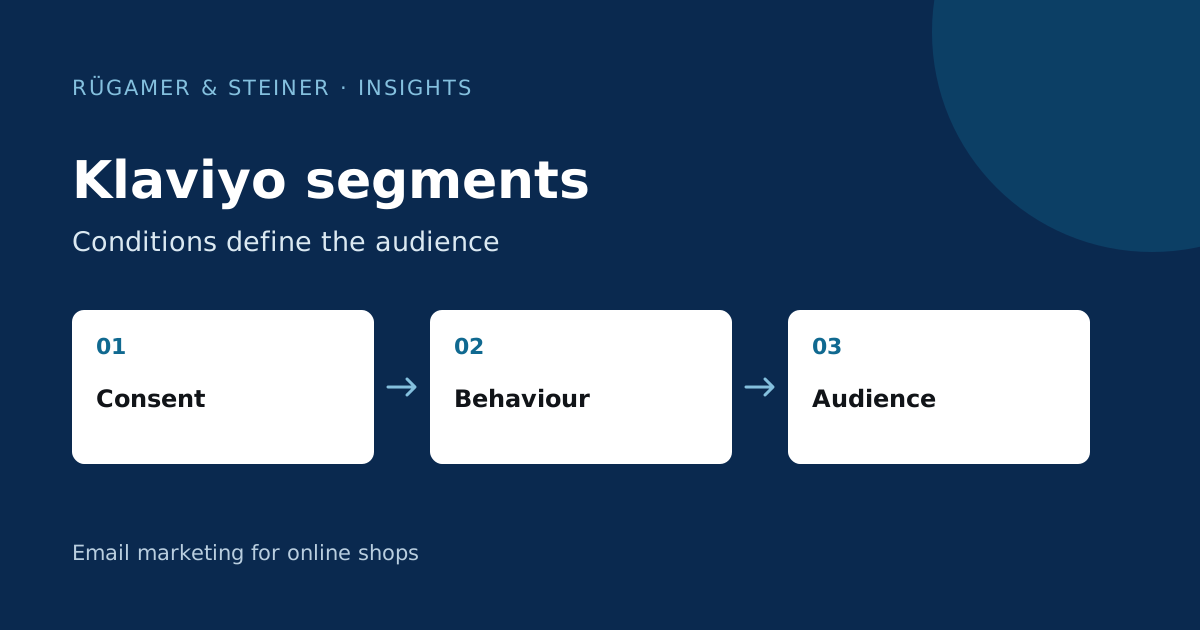
Test the footer form, standalone registration and a possible checkbox at checkout individually. Compare a test order with and without registration. Check in Klaviyo which list and which marketing status are actually created. Unsubscriptions must also be handled in a traceable manner across the systems involved. General customer or order data must not be interpreted as blanket registration.
Check browser-side activities using the designated consent history and installed extensions. Document whether the event occurs without consent, after consent has been given, or after consent has been withdrawn. Missing events may be caused by blocked scripts, unidentified sessions or a configuration issue. These causes require different corrective actions. The mere number of orders does not answer the question regarding onsite integration.
Test flows with Shopware-specific data
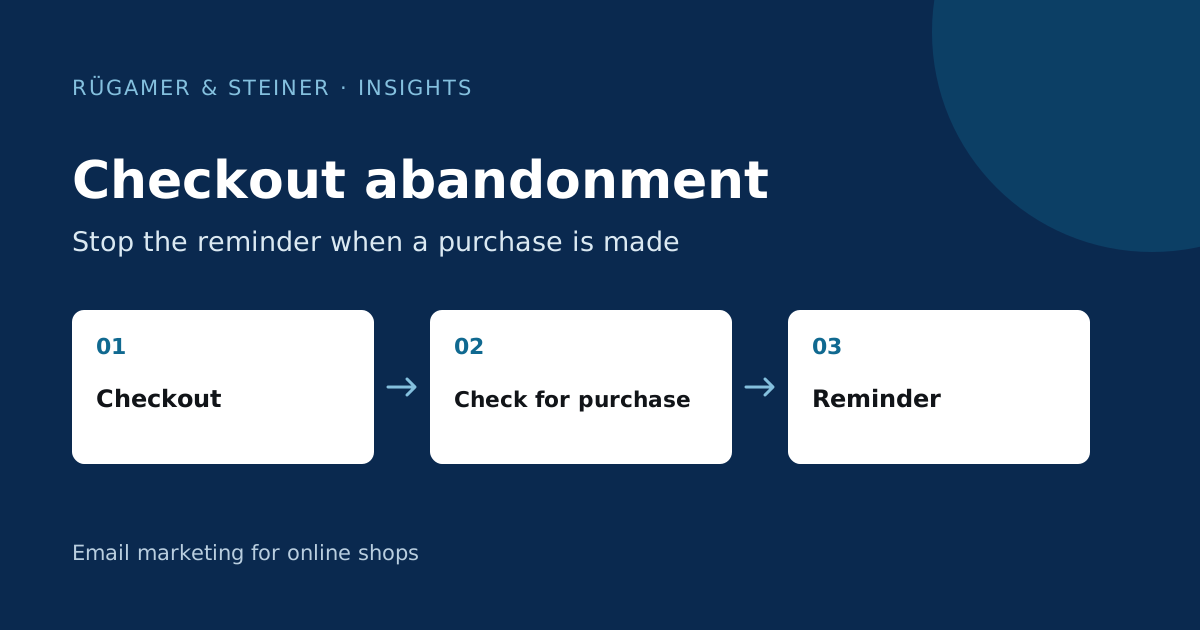
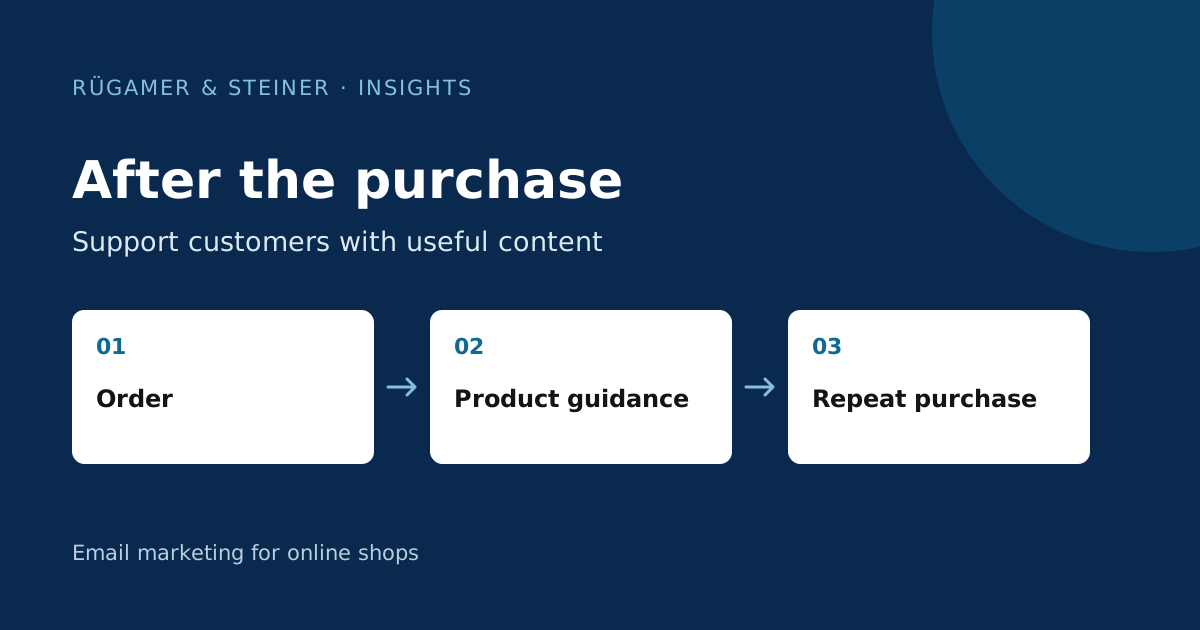
Use a template suited to the Shopware event and check its fields against real examples. For an abandoned checkout, the product block, return to the basket and purchase exclusion are essential. For a post-purchase flow, check order status, product group and timing. Test one profile that should receive the message and another for which the original trigger is no longer relevant.
Check for additional reminders from Shopware or other plugins. Two parallel abandonment flows may send duplicate reminders about the same purchase journey. Document responsibilities and repeat-contact rules. If an event arrives late, measure the delay in the test profile and account for it in the setup. Longer copy or extra emails cannot resolve an unexplained transmission issue.
Maintain a robust acceptance process for updates
- The Shopware version and extension must match the current documentation.
- Every sales channel used has been tested via registration and ordering.
- Profile status, catalogue and event data are traceable.
- Flow content should use the appropriate Shopware fields and links.
- Order and unsubscribe exclusions function correctly in observed test cases.
- Affected cases were repeated following changes to price, stock or configuration.
This protocol forms the basis for future extension and shop updates. Please specify technical limitations in concrete terms, such as missing events in a particular channel. Only once the relevant gap has been clarified can the function based on it be considered verified.
Sources and further documentation
Product documentation and primary sources relating to the steps described. Editorial source date: 5 October 2026.